All guides
Create a Separation group
Add students covered by an approved separation arrangement and configure an advisory warning.
Some students should not be out of class at the same time. A pair who meet in the bathroom to vape; two who fight; a student on a protection plan and the student they are protected from. Every school has a handful, and until now the plan lived in the heads of the staff who happened to know.
A Separation group writes that plan down once, and Vero applies it at the classroom door — to every teacher, including the relief teacher who has never met either student.
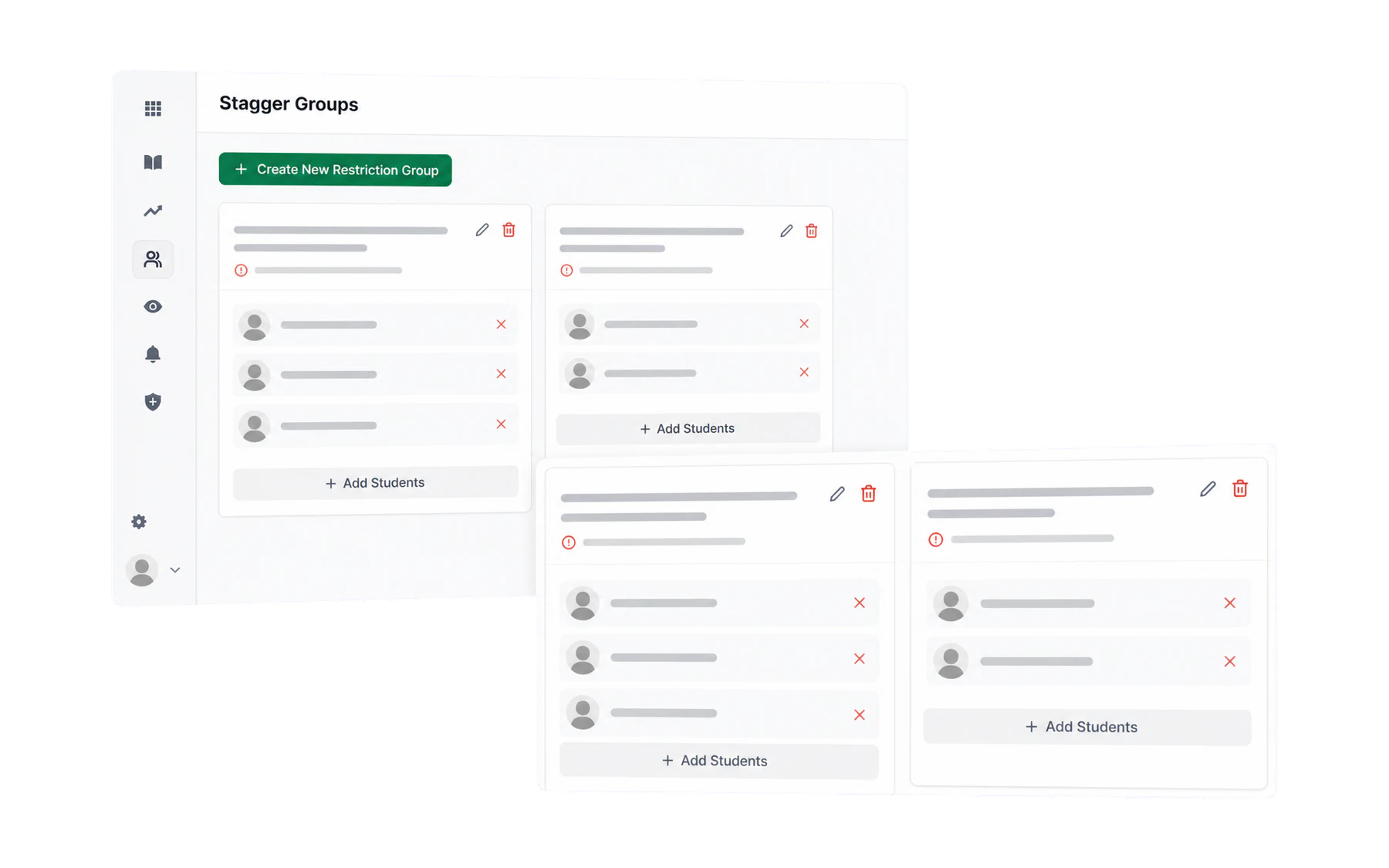
Creating a group
- Open Separation from the menu and choose Create New Restriction Group.
- Name it for the reason, not the students. “Students who should not go to the bathroom at the same time” tells the next person why the rule exists. A pair of surnames does not, and it ages badly.
- Add the students with Add Students. Search by name; add as many as the situation needs.
- Save. It applies immediately, everywhere.
What it does at the door
When a teacher tries to send a student who is in a group, and another member of that group is already out, Vero warns them before the pass is created. The teacher can still proceed if their judgement says so, and the override is recorded — see What happens when a pass conflicts.
Keeping groups honest
- Review each term. Arrangements end. A rule nobody reviewed is a rule staff learn to click past.
- Keep groups small. Two or three students is a rule; ten is a policy pretending to be one, and it will fire constantly.
- Remove rather than rewrite. Take a student out when the arrangement is over; the passes already recorded are unaffected.
Where else the group shows up
A student’s profile shows the Separation groups they belong to, so anyone looking into that student sees the arrangement rather than discovering it by accident.