All guides
Configure module lists
The three editable lists behind the optional modules, and how to word them well.
Three of the optional modules are driven by a list you write: uniform reasons, school values and confiscation categories. Each works the same way as Out of Class destinations — the list becomes the buttons staff choose between, and therefore the categories every later report can use.
Uniform reasons
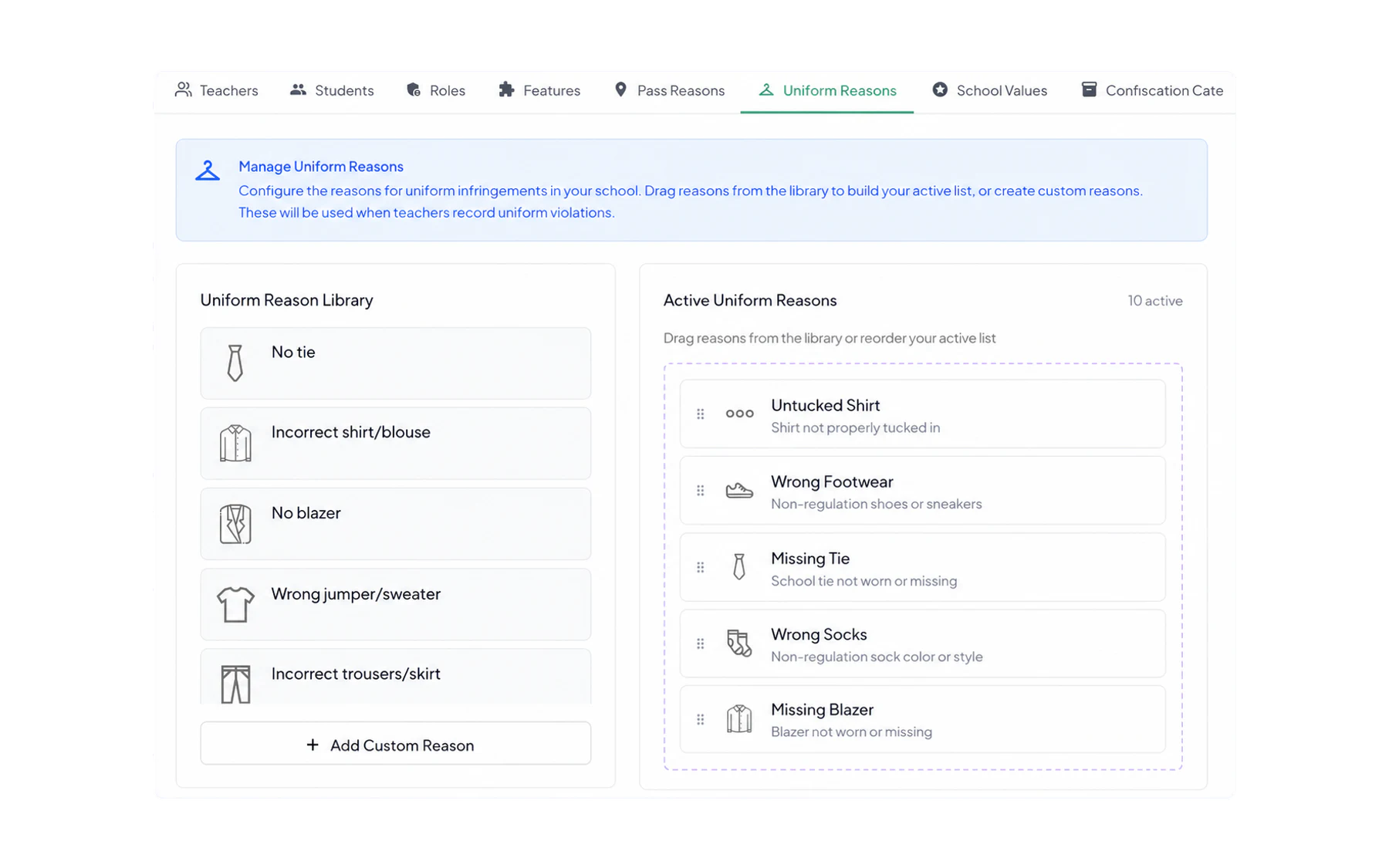
Copy your policy. If the policy says “black leather school shoes”, the reason is “Wrong footwear” — not “Shoes”, which two teachers will apply to two different things.
Keep a Complete uniform violation style catch-all for the student wearing almost none of it, so staff are not logging six separate infringements against one child.
School values
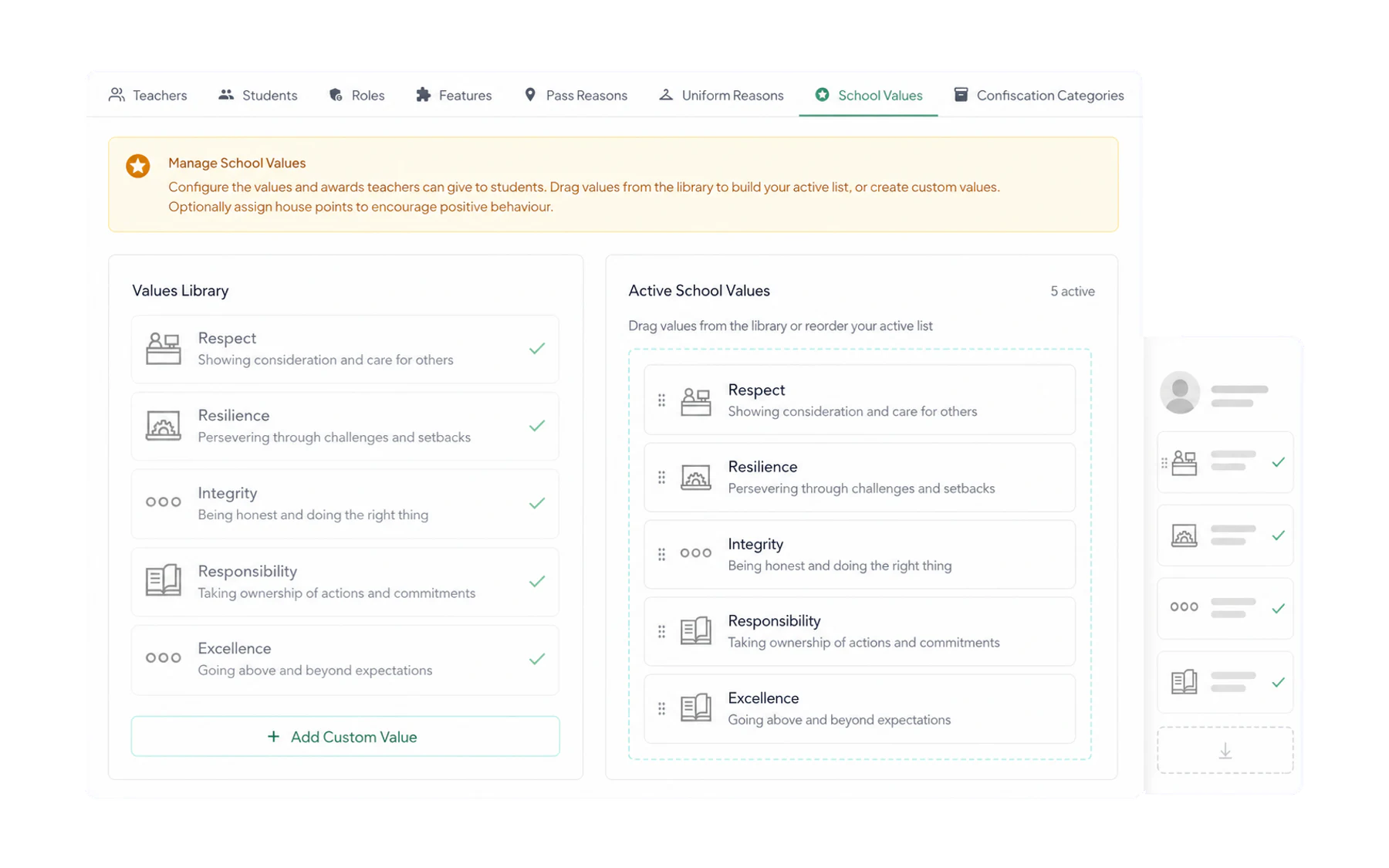
This is the list where fidelity matters most. If your school’s values are Respect, Responsibility and Resilience, use exactly those three words. A staff member who has to translate the poster into Vero’s wording will stop awarding.
Four or five is the working maximum. Values people cannot recall are values nobody awards.
Confiscation categories
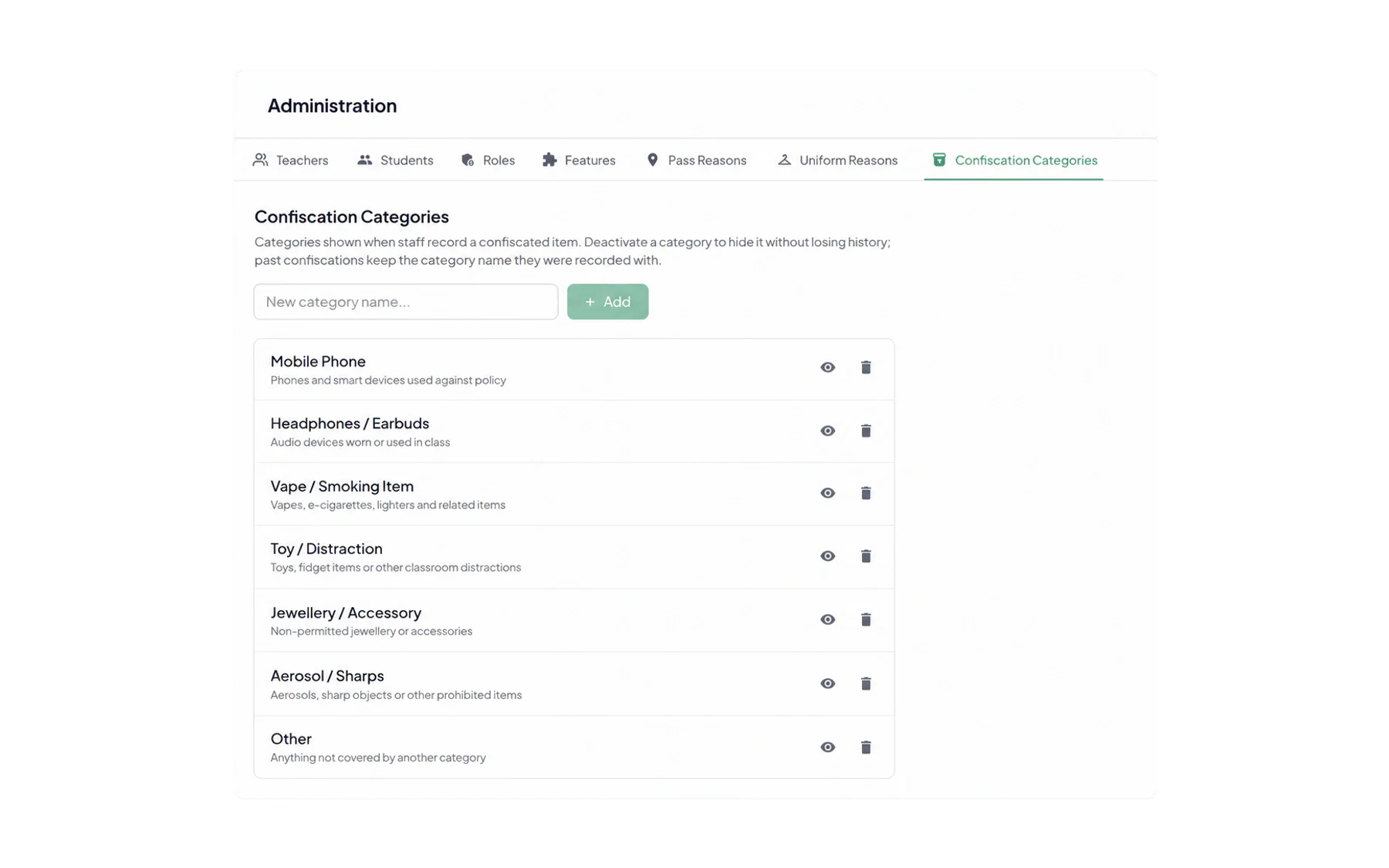
Keep these broad — mobile phone, vape or smoking item, earbuds, jewellery, aerosol or sharps, other. The specifics belong in the item description on the record itself, where they are searchable. Do keep aerosols and sharps as their own category: those are the items that get disposed of rather than returned, and separating them makes that policy easy to apply.
Reviewing them
Once a year, look at each list next to its report in Insights. Any option that has been used twice in twelve months is clutter on a screen staff use fifty times a day; anything sitting in “Other” at volume is a category you are missing.