All guides
Send alerts to the right person
Scope a rule to a house or year group, choose email or in-app, and pick when it lands.
A rule is only useful if it reaches the person who can act on it. Scope decides who it is about; delivery decides who hears about it and when.
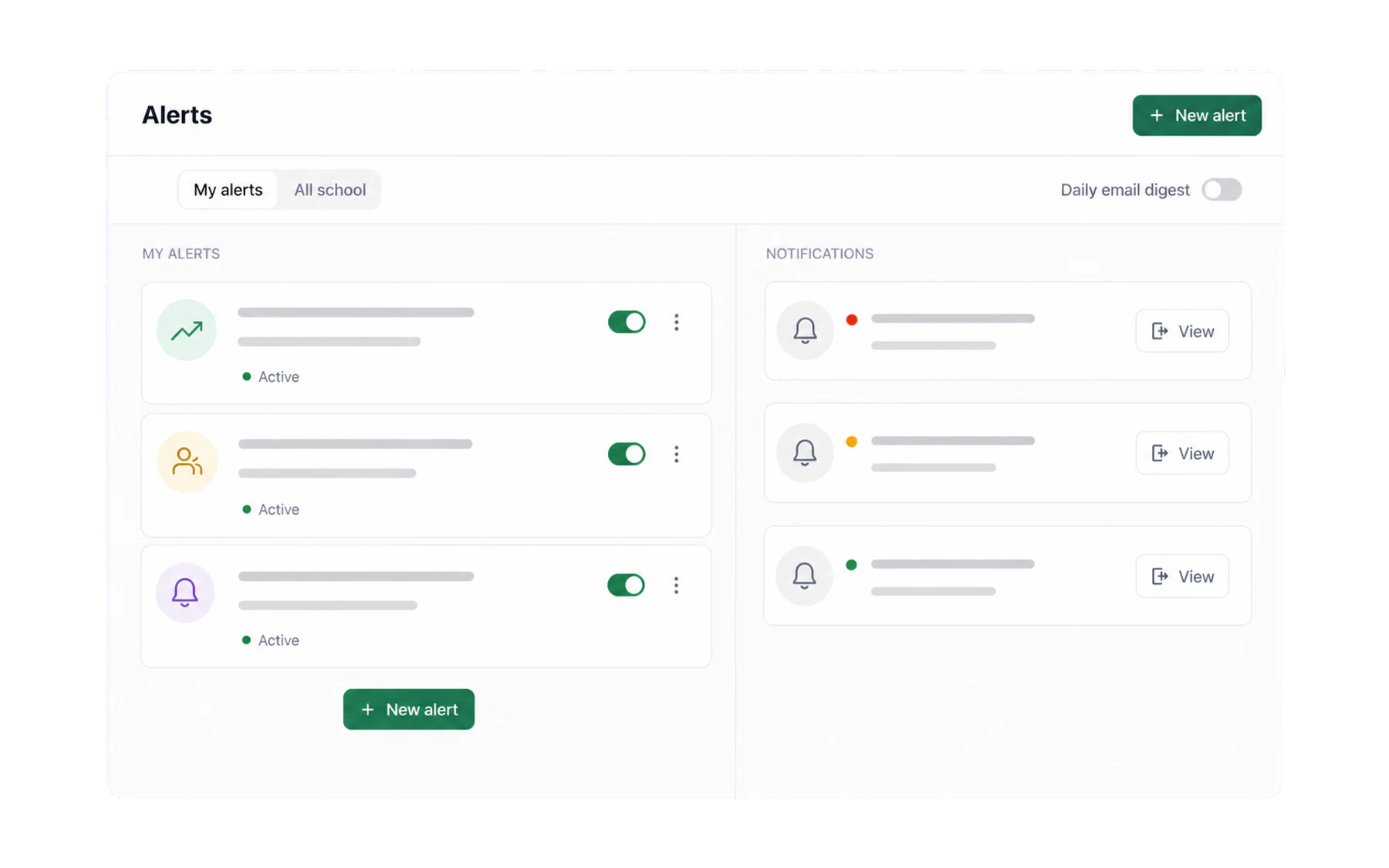
Scope the rule to a cohort
A rule can be limited to particular houses or year groups. That is what lets each year coordinator have their own rule about their own students, rather than everyone receiving everything and learning to ignore it.
The pattern most schools land on is one rule per cohort owner: Year 8’s coordinator gets Year 8’s alerts, the head of Bradman gets Bradman’s.
Choose how it arrives
- In-app. A badge on the Alerts item in the menu, and the notification waiting when the person next opens Vero. Right for anything that can wait until they sit down.
- Email. Lands in the inbox they already live in. Right for anything that should travel to a phone, and for people who are in Vero less often.
Both together is fine — and is the sensible default for a rule that genuinely matters.
Immediately, or on a schedule
Vero can send an alert as it triggers, or hold it for a scheduled send — a digest that arrives once a day at a set time.
- Immediate for the small number of things that change what you do in the next ten minutes.
- Scheduled for everything else. A digest at 8am is read; six pings across a teaching day are dismissed.
Keeping the set healthy
- Review each term. The Alerts screen shows when each rule last triggered. A rule that never fires is set too tight; one that fires daily is set too loose.
- Deactivate rather than delete when a rule has served its purpose — the notifications it produced stay in the record.
- Give rules owners. A rule nobody is responsible for is a rule nobody acts on. Name the person in the rule’s own name if it helps: “Yr 9 passes — Ms Okafor”.
What an alert is not
It is not a duty-of-care or emergency-detection mechanism. An alert evaluates Vero records and may be delayed by design. The Switchboard and kiosk screen can show open pass records, but neither is a verified location feed or a substitute for the school’s emergency procedures.