All guides
Manage students and photos
Where student records come from, and how to fix or upload the photos on the cards.
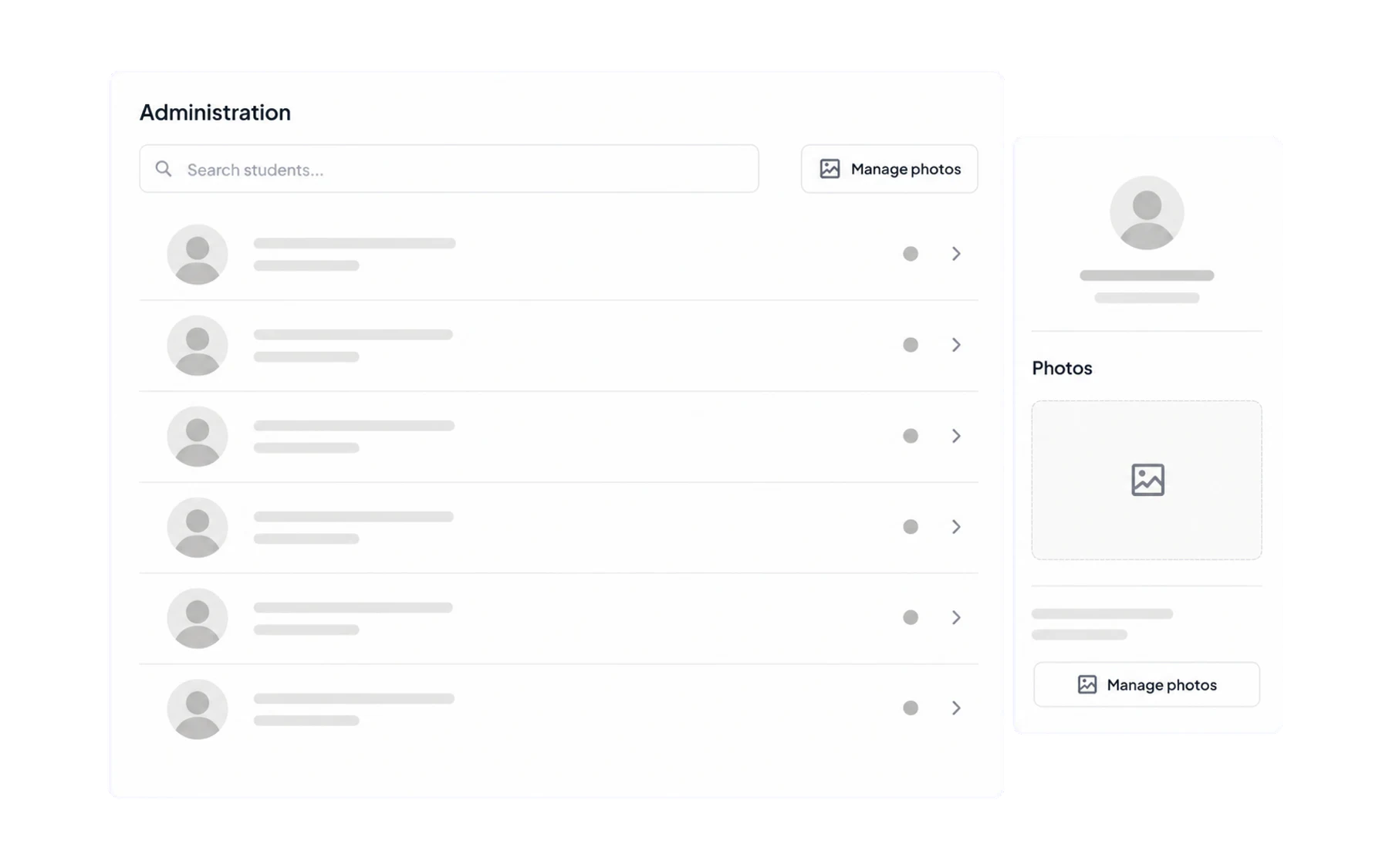
Admin → Students holds the student list Vero draws every card from — name, year level, house and photo. For most schools it is a read-only mirror of the SIS; the part administrators genuinely maintain is the photos.
Where the records come from
- SIS-connected schools receive students, year levels, houses, classes and timetables from Wonde each night. Fix an error in the SIS, not here — anything changed in Vero would be overwritten on the next sync.
- CSV schools upload a spreadsheet. See Import users from a CSV.
Photos
The photo is the single most useful field on a student card. It is what lets a relief teacher, a librarian or the front office match a name to the person standing in front of them, and it is what makes the kiosk board work at a glance.
Some SIS platforms pass photos through Wonde and some do not. Where yours does not, upload them here — individually, or in bulk from a folder of images named to match your student identifiers.
Year levels and houses
These two fields drive most of what Insights can do — filtering by cohort, alert rules scoped to a house, and authorised per-student record views. If they are wrong or missing, those features get much less useful, so it is worth fixing them at the source early.
Students who have left
A student who leaves your SIS is deactivated on the next sync. Their historical records stay — necessary both for reporting continuity and because a school’s record-keeping obligations do not end when a student does.