One timeline for authorised Vero records.

Bring passes, uniform entries, values recognition and lateness records created in Vero into one searchable timeline, without claiming to be a complete picture of the student.


CompassSentralSEQTATASSSynergeticEdumateVeracross

The problem with school reporting today

When authorised records sit across separate tools and spreadsheets, producing a useful report can require avoidable manual work.

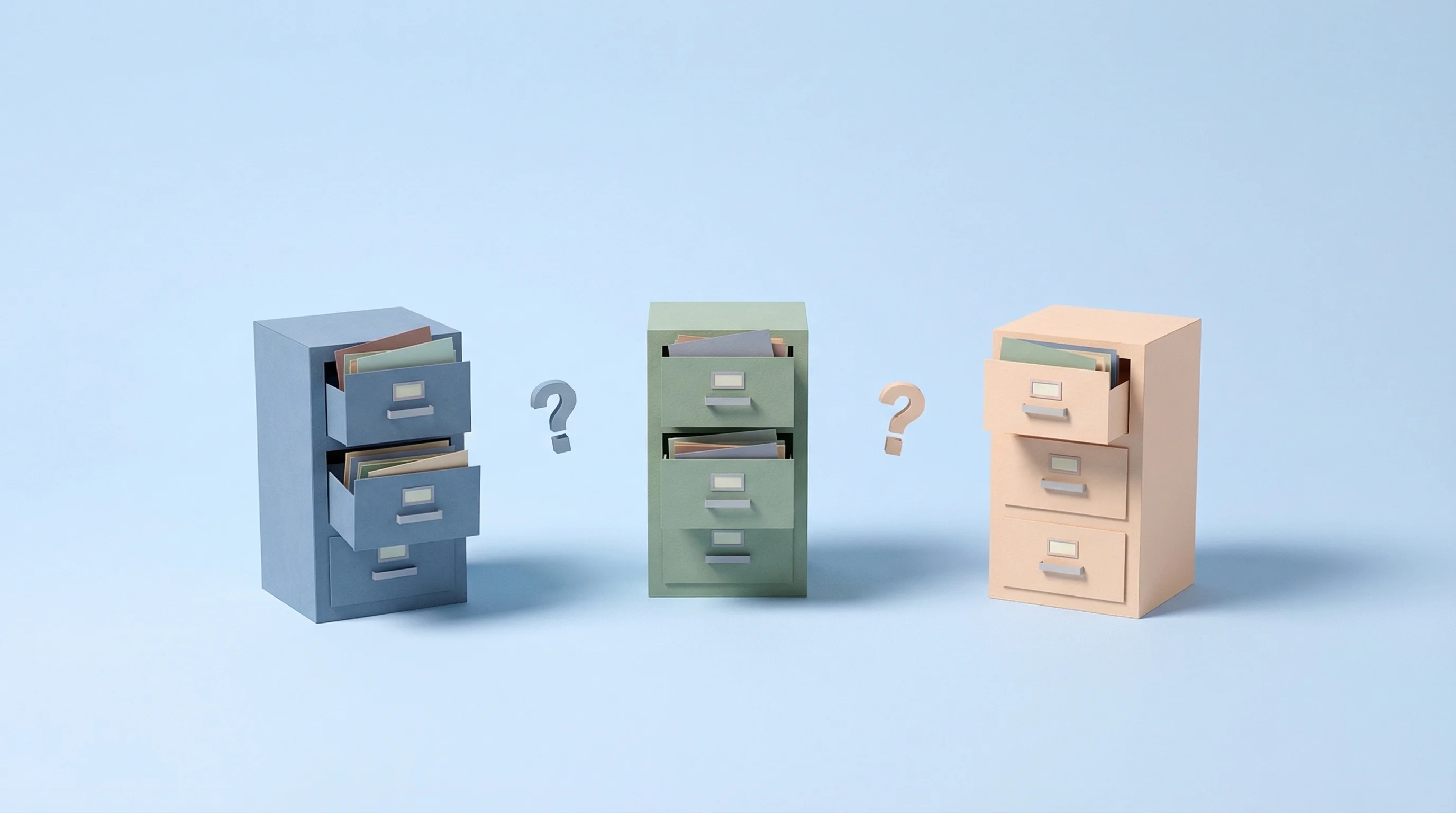
Data trapped in separate disconnected systems

Data trapped in separate systems

Attendance in one tool, behaviour in another, pastoral notes in a third. Getting a full picture of one student means opening four tabs and hoping nothing's out of date.

Teacher spending hours building reports in spreadsheets

Reports that take hours

When authorised records sit in separate exports or spreadsheets, end-of-term reporting can require avoidable manual work.

School leaders reviewing records after a concern is raised

Threshold changes may be missed

When authorised records are difficult to aggregate, a school-defined threshold or change can be harder to notice and review in context.

The pass-record picture, without manual collation

Total passes, average active duration, overdue count, busiest periods and selected destinations appear in one authorised view. Set school-defined alert rules and opt into the daily digest to review recorded thresholds that were crossed.

  • Total passes, average duration, overdue count
  • Busiest periods and most-visited destinations
  • Opt-in daily email digest of everything your alert rules caught

Reveal the patterns that anecdotes miss

Which students have the most recorded passes? How long did those passes stay active, and which destinations were selected? Pattern reports organise teacher-created records into context that authorised staff can review before starting a conversation.

  • Students sorted by pass frequency
  • Active-pass duration analysis — average, longest and total
  • Destination patterns (bathroom vs sick bay vs counsellor)

Destination analysis across the school

Review selected destinations by date range and time of day, including bathroom, counsellor and sick-bay pass records. This shows what was selected on teacher-created passes, not where students physically went.

  • Destination usage ranked by volume
  • Time-of-day and day-of-week heatmaps
  • Trends over weeks and terms
Every module

Pass reporting is just the start

Uniform checks, values recognition and lateness records created in Vero can appear in the same reporting system, adding school-activity context.

Uniform reporting

Teachers log issues as they see them — item, reason, and any note worth keeping. Leadership sees who's been spoken to, how often, and whether anything changed. No more relying on memory to know if a student's been warned twice or twelve times.

  • Individual student uniform history
  • Recorded uniform issue trends by year group
  • Repeat issues surfaced automatically
  • Free-text notes on any record for context

Late to Class reporting

How late, which period, the reason given — captured at the classroom door. Patterns emerge fast: the student late every Monday Period 1, the class delayed after lunch, the year group that peaks on Fridays.

  • Lateness frequency by student and period
  • Day-of-week and time-of-day patterns
  • Class-level and year-group trends

Values reporting

Which value, the context, the student — logged by teachers in the moment. A student's record isn't just what went wrong; it's what went right, too. For leadership, it shows which values are landing and where the program needs attention.

  • Recognition count by student and value
  • Distribution across year groups and classes
  • Trending values and teacher engagement

Reports that show the full picture

Every module feeds into one reporting system. These are the views that bring it all together.

One student. One Vero timeline.

Passes, uniform notes, values recognition and lateness records created in Vero appear in one searchable timeline. It provides school-activity context, not a complete profile of the student.

  • All modules in one chronological view
  • Filterable by date range and record type
  • Exportable as CSV in seconds

Your school at a glance

Review total passes, average duration, recorded uniform issues, values recognition and lateness trends by year group in one authorised Vero view.

  • Cross-module metrics in one view
  • Week-over-week trend comparisons
  • Drill into any metric for detail

Parent-meeting-ready records

Pull up a student's Vero history — passes, uniform, values and lateness records — filtered by date range. Its neutral format supports a conversation without claiming to be the student's complete history. Export the same data as CSV when needed.

  • Readable on screen in the meeting
  • Filterable by date range and module
  • Neutral, factual format — exportable as CSV

The report that runs itself

Set the thresholds that matter to your school, then opt in to the digest. Each morning, everything your alert rules caught in the previous 24 hours — across movement, uniform and lateness — arrives in one email. Nobody has to remember to go looking.

  • Opt-in daily email, per staff member
  • Everything your alert rules caught, in one place
  • Scoped by student, house, year group or reason

Alerts that fit how your school runs

Schools route information through different authorised roles. Vero lets administrators configure alert recipients and thresholds around that local structure.

  • A year leader gets notified when a student in their cohort has left class five times this week
  • A house leader is alerted as uniform issues stack up against students in their house
  • The deputy only gets flagged when something crosses a serious threshold

Timestamped records for authorised review

Passes, uniform checks, values recognition and lateness records created in Vero are timestamped and attributed. They can support parent conversations, incident reviews and wider school processes without proving compliance by themselves.

  • Every event timestamped and attributed
  • Encrypted in transit and at rest; primary application database in Sydney
  • Exportable as CSV
  • Retention follows the contract, school instructions and privacy notice

Common questions about reporting

Do I need to generate reports manually?
Reports are on-demand — student history, destination analysis, and school-wide trends are all a few clicks away in the Vero dashboard, with no run-and-wait step. For the things you don't want to go looking for, set up alert rules and turn on the daily digest so anything that crossed a threshold lands in your inbox each morning.
What formats can I export?
Vero exports CSV. Any insights view can be exported as the full underlying data set, ready for Excel or Google Sheets. Reports themselves are designed to be read on screen — including in a parent meeting — rather than printed and filed.
Can I report across different date ranges?
Yes. Choose the date range relevant to your school — such as this term, last term, or last year — so you can focus on the period you need and compare patterns over time.
Can teachers see school-wide reports?
Access depends on the role your school assigns. Staff with operational access can use the shared active-pass view for handovers, while the Insights area — including trends, student-level analysis and teacher activity — is restricted to school administrators and staff granted the Insight Viewer role.
Can I schedule custom reports?
You can build custom alert rules that fire when a threshold is met — a student leaving class more than a set number of times, a pass running longer than it should, or uniform issues climbing in a year group — and choose whether each rule notifies you immediately or is batched and emailed at a set time each day. You can also opt into a daily digest of everything that triggered. Fixed-timetable report emails independent of alert rules aren't available yet; for deeper analysis, export the data as CSV and use your preferred tools.
Does reporting include data from all modules?
Yes. Reports can bring Vero pass, uniform, values and late-to-class records into one timeline. It is a combined view of records created in Vero, not a complete student profile.
Australian owned and operated
Built in Australia for Australian schools

See Vero's reporting in action

Book a walkthrough and we'll walk you through the reports that matter most to your school.