How can we help?
38 visual guides to the new Vero, written for the person actually doing the job.
Calm, anonymised product views that keep each task clear at a glance.
New to Vero? Start here.
Three guides that cover the first week for a teacher, and the first hour for whoever sets it up.
Browse by topic
Eight areas organised around the job you are doing, not the shape of a menu.
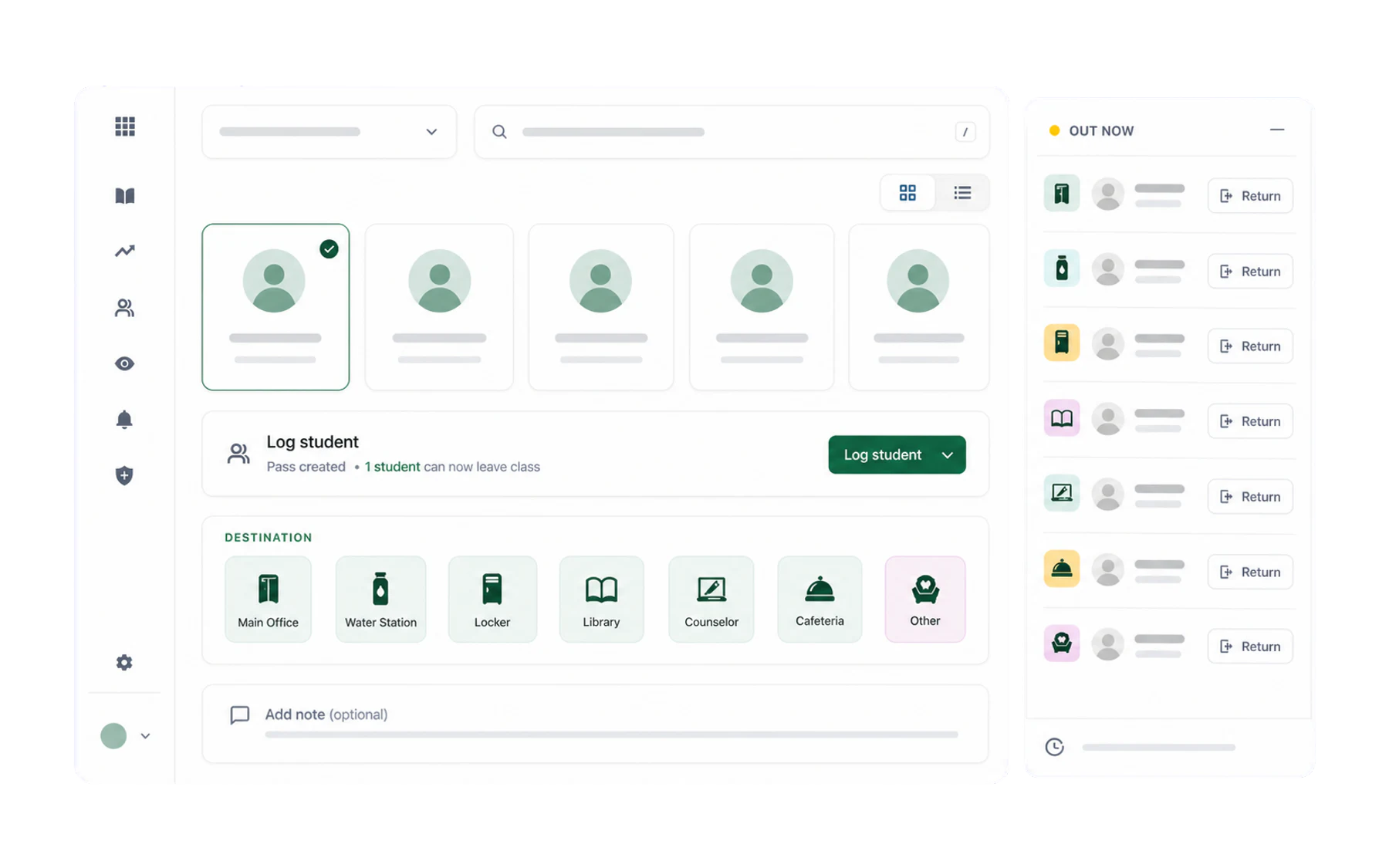
Getting started
Sign in, meet the Switchboard, and learn who can see what.
5 guides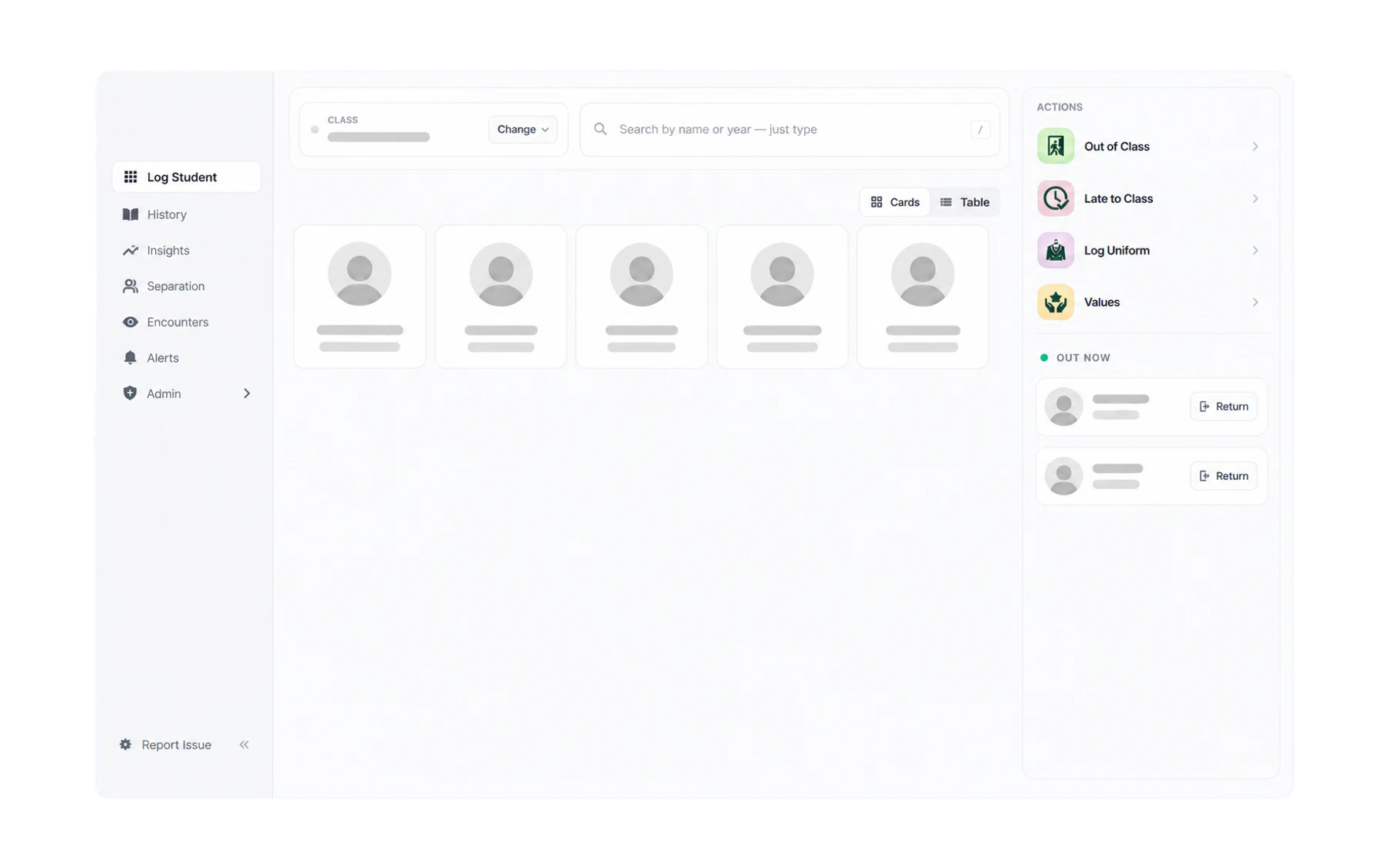
Out-of-class passes
Select a student, choose Out of Class, and manage the pass through to its recorded end.
7 guides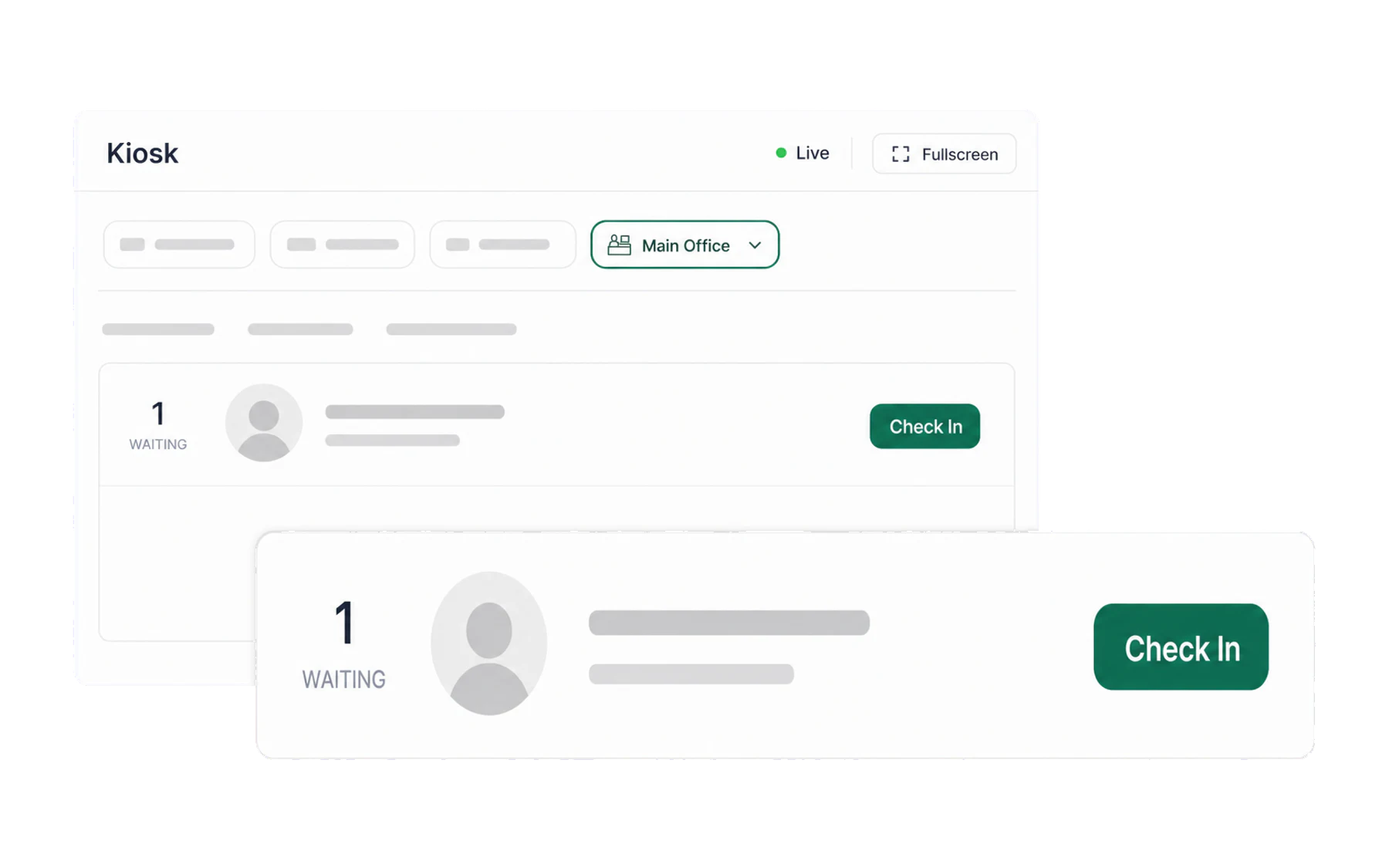
Kiosk & arrivals
A destination check-in screen showing matching open pass records.
3 guides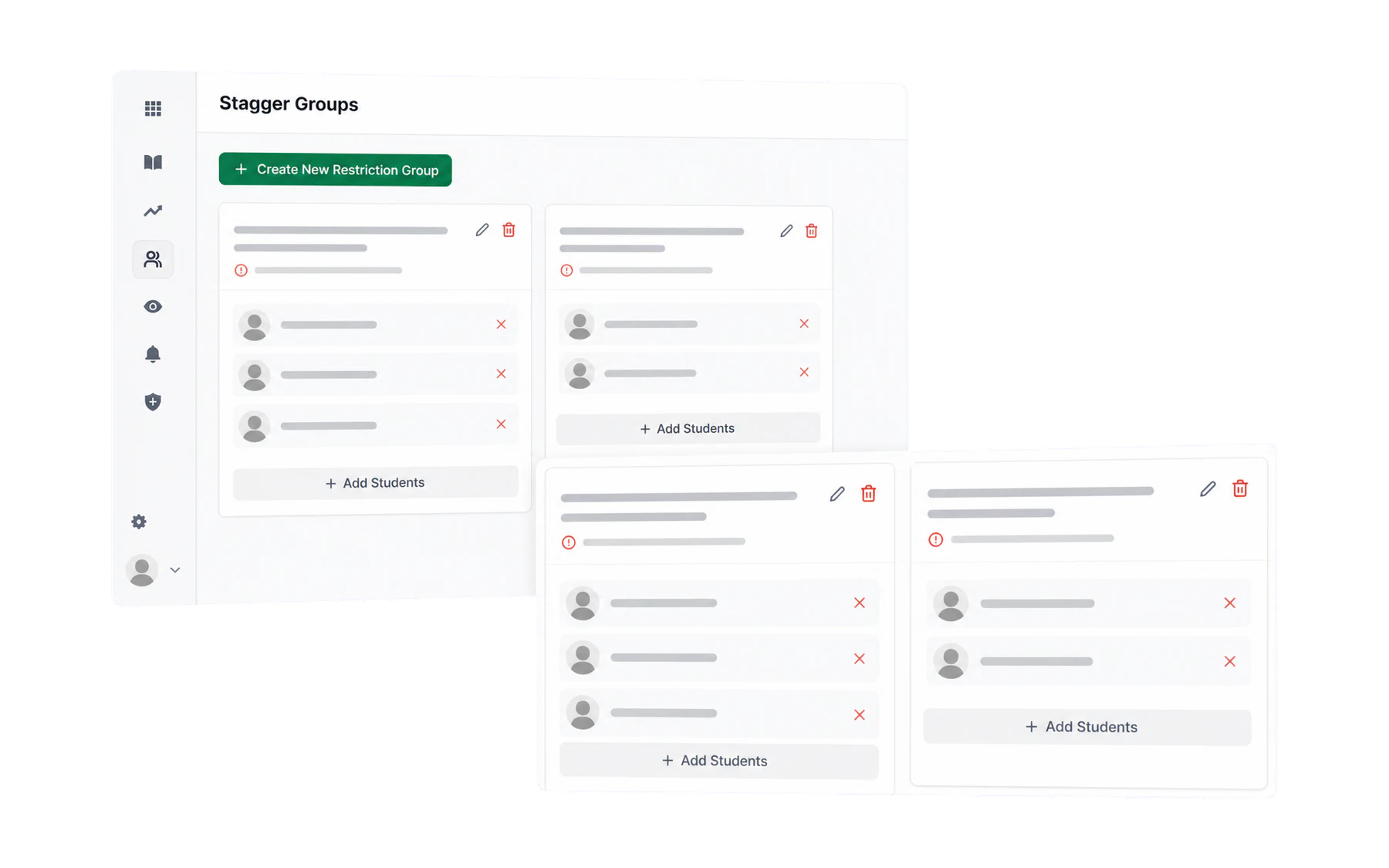
Separation
Configure advisory pass-creation rules for students with an approved separation arrangement.
3 guides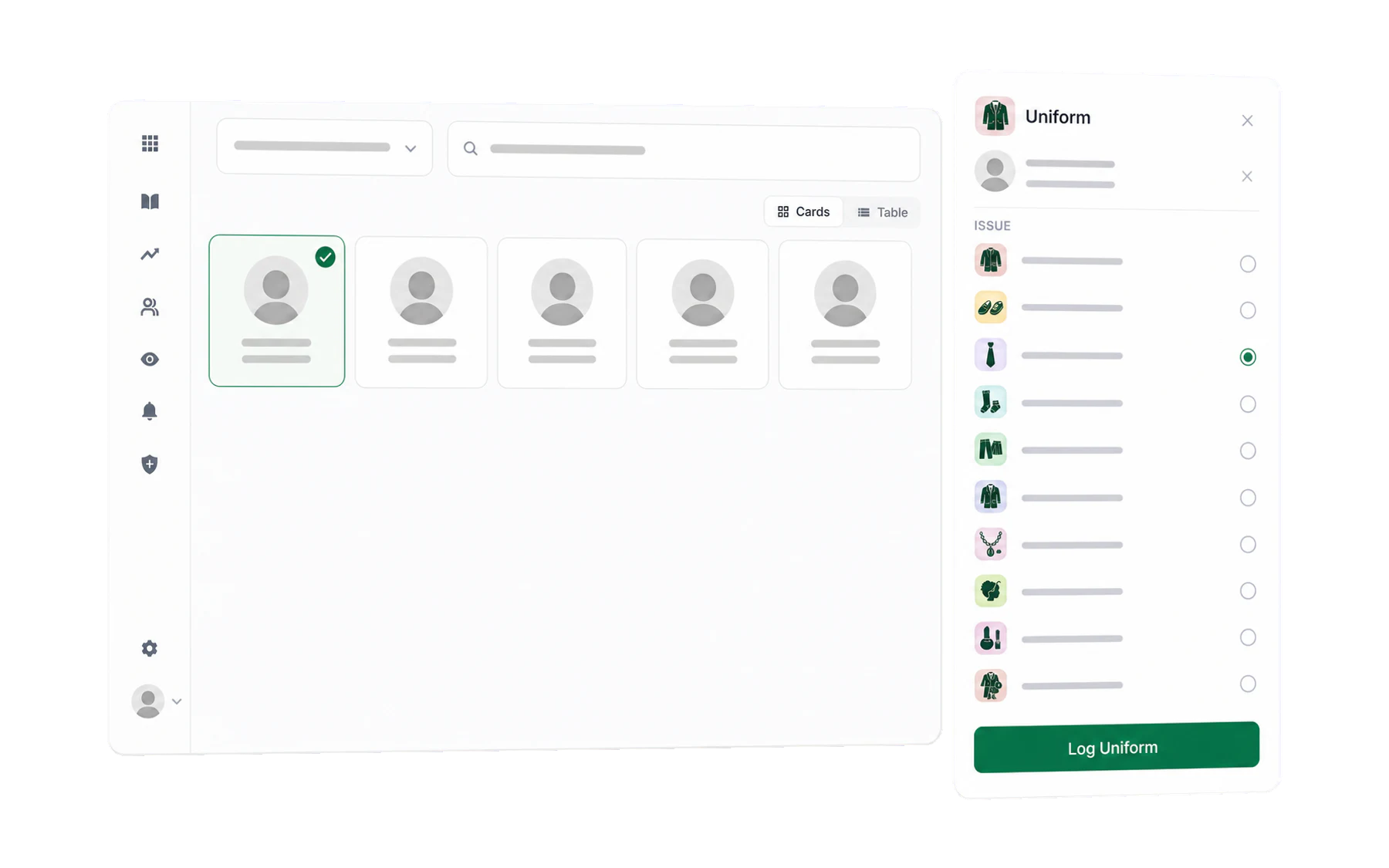
Staff-created student records
Record uniform, values, lateness and confiscation workflows from one staff workspace.
4 guides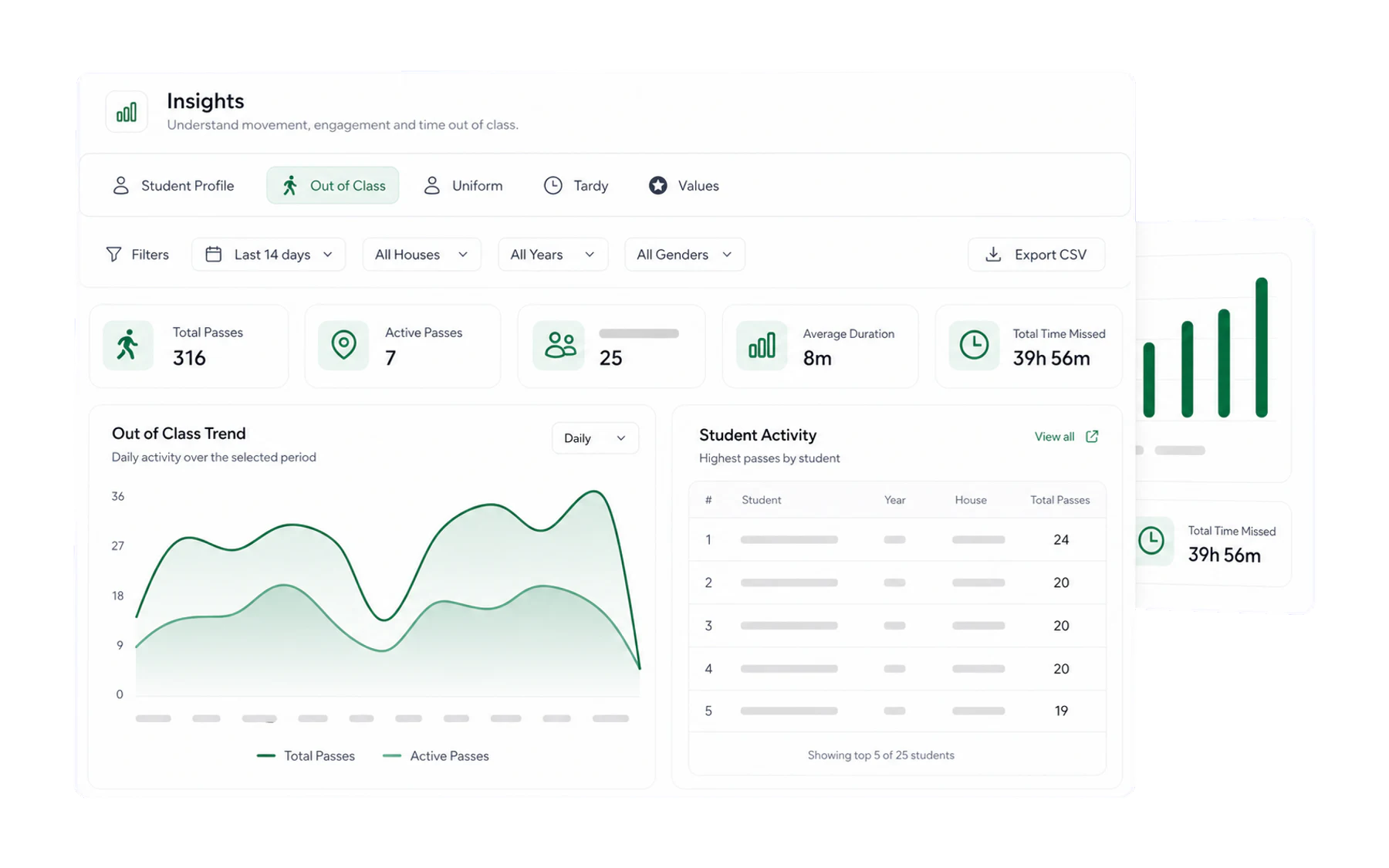
Insights & reporting
Summarise records created in Vero for an authorised school review.
5 guides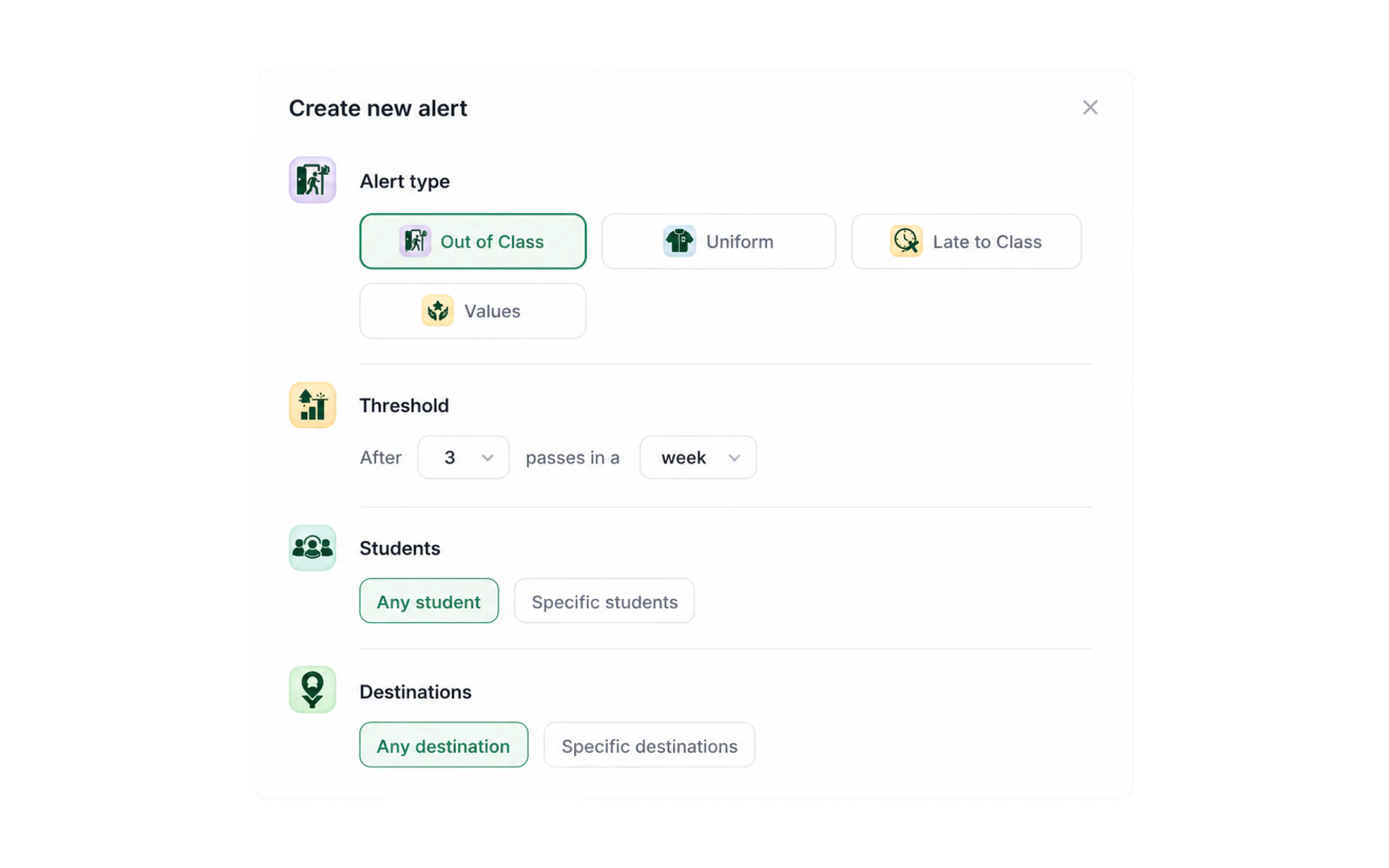
Alerts
Configure role-restricted notifications for defined record-review rules.
2 guides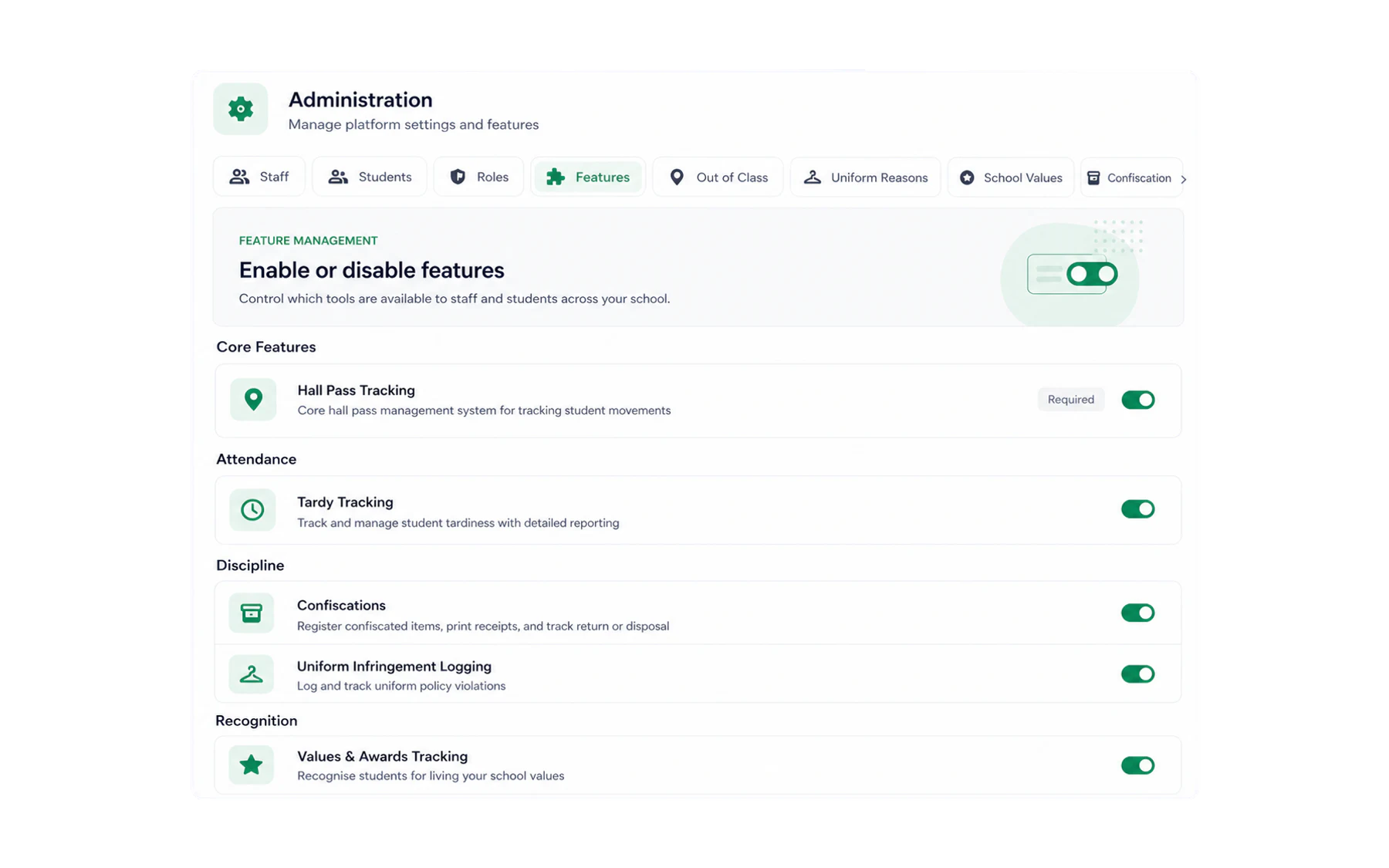
School administration
Set Vero up once so everything above just works.
9 guidesMost opened
The guides schools reach for in the first fortnight.
What Vero does, in one page
The short version of what Vero records, who uses each part of it, and what changes on day one.
Signing in to Vero
Three ways in — your school Microsoft account, a one-time email link, or a password — and what to do when none of them work.
Using Vero on your phone
Install Vero on your home screen and issue a pass from anywhere in the school.
Send a student out of class
Three quick choices: student, Out of Class, destination. That is the whole flow.
End a pass when a student returns
Close a pass from the Switchboard, from the kiosk, or let Vero close it for you.
Create a Separation group
Add students covered by an approved separation arrangement and configure an advisory warning.
Find your way around Insights
The five tabs, the numbers along the top, and what each chart is actually counting.
Set up destinations
Add, rename, reorder or retire the places students can be sent, each with its own icon.
Connect your SIS with Wonde
Read-only daily sync of supported student, class and timetable data — what syncs and what setup requires.
Quick answers
I have forgotten my password. What now?
Can I use Vero on my phone?
Why can a colleague see Insights when I cannot?
A student never came back. Does the pass stay open forever?
How do I add a new destination?
Can students create their own passes?

Can’t find it?
Email support@vero.education or book a call — our team is in Australia and knows your school’s setup.