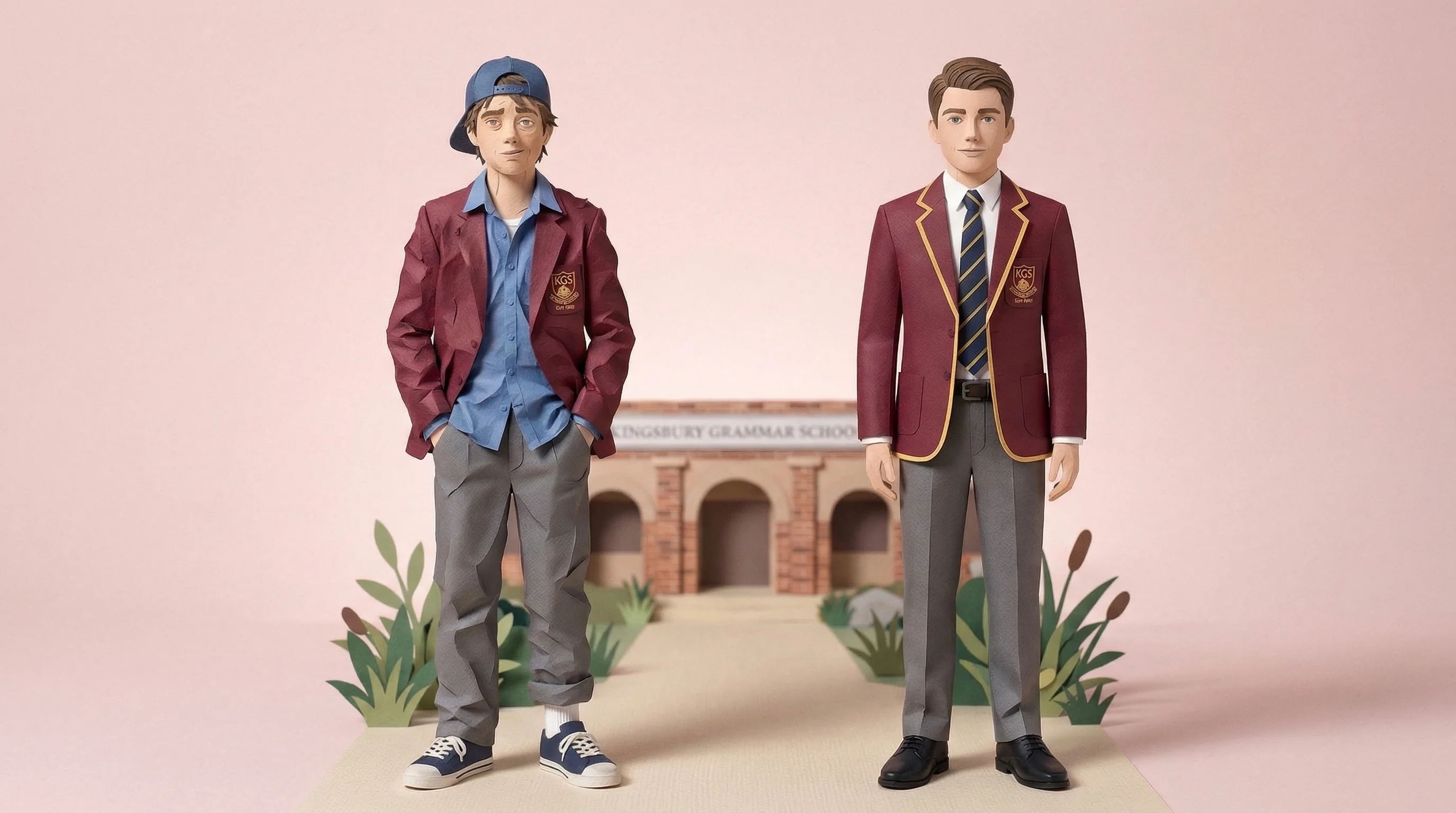
Uniform tracking without the clipboard.

A two-tap workflow designed to make consistent uniform recording practical during the school day.


CompassSentralSEQTATASSSynergeticEdumateVeracross

Uniform policies need a consistent, contextual process

A short shared workflow can make authorised records easier to review, while staff retain responsibility for reasonable adjustments, financial circumstances, sensory needs and professional judgement.

Different teachers enforcing uniform rules inconsistently

Inconsistent recording

When staff record issues in different ways, it can be harder for leaders to distinguish a repeated pattern from isolated entries or inconsistent practice.

Paper notes and sticky notes scattered and lost on a teacher's desk

Records that don't survive

Notes on paper, sticky notes on desks, verbal reminders in the corridor. By the time you need the data for a parent meeting, it's gone.

Frustrated parents in a meeting with no documented evidence to share

Difficult parent conversations

"My child is never out of uniform." Without a documented trail, it's hard to have a productive conversation. Good data turns a disagreement into a shared starting point.

Do the maths

A two-tap Vero workflow

Compare Vero's designed workflow with an illustrative multi-step behaviour form. Your existing system may differ.

Illustrative form
  1. Find a laptop and log in
  2. Open the behaviour module
  3. Search for the student
  4. Create a new incident record
  5. Pick a category from a form built for suspensions
  6. Type a description
  7. Save — then get back to the class you left waiting

Multiple steps — actual systems vary

Vero
  1. Tap the student
  2. Tap the category

~5 seconds — timestamped, attributed, done

Use the one-term paid pilot to compare completion time and record quality against your school's current workflow rather than relying on an industry average.

How Uniform Tracking works

Spot it. Log it. Move on.

Log it in seconds, not minutes

When a school decides an entry is appropriate, the teacher selects the student and a school-defined category. Staff can apply local policy, reasonable adjustments and contextual judgement before recording.

  • Select student, choose category, done
  • Configurable categories — shoes, shirt, tie, jewellery, hair, and more
  • Works on any device — no app download required

A running record to review in context

Each entry is timestamped and attributed. Authorised staff can review the timeline alongside reasonable adjustments, family circumstances and the student's account before deciding on follow-up.

  • Per-student timeline of recorded uniform issues
  • Categorised by type — see which items are most common
  • Multiple teachers contributing to the same record

Parent-ready reports in one click

Pull a report for a student and review the recorded issues, dates, staff members and categories. Share it neutrally in a family conversation or export it for an authorised school process.

  • Export individual student records to CSV
  • School-wide uniform overview by year level
  • Track escalation stages — first notice through to formal follow-up

The right people find out at the right time

School-defined alerts can notify authorised staff when a chosen threshold is met. The notification prompts review; it does not automatically assign a consequence or establish non-compliance.

  • Year leaders notified when patterns emerge for individual students
  • Configurable thresholds — pastoral care gets involved at the right stage
  • Deputies only see what needs their attention, not every single entry
Consistency Matters

Consistent records, contextual decisions

Vero gives authorised teachers a shared recording workflow. Fairness still depends on clear policy, reasonable adjustments, student and family context, and professional judgement.

  • Every teacher logs the same way
  • School-defined categories support consistent language
  • Authorised leaders review one shared timeline

Common questions

Can we customise the uniform categories?
Yes. Your school admin can configure the categories to match your uniform policy — shoes, shirt, tie, blazer, jewellery, hair, PE kit, or anything else you need. Add or remove categories at any time without disrupting existing records.
Do parents see uniform records?
No. Uniform tracking data is only visible to authorised staff within Vero — there is no parent-facing view and nothing is sent to parents automatically. When it's time for a parent conversation, staff can pull up the student's record — how many issues were recorded, when, and what type — or export it as CSV. The school stays in control of when and how anything is shared.
Can multiple teachers record breaches for the same student?
Yes. Entries from authorised teachers appear in one per-student timeline with their timestamps, categories and staff attribution. Leaders should review the record alongside reasonable adjustments, family circumstances and the student's context.
Is this available on all Vero plans?
Yes — Uniform Tracking is included for every Vero school, on both Core and Connected plans. It's built into the same Vero platform your teachers already use for out-of-class passes — no separate app, no additional login, no add-on fee.
Does uniform data integrate with our SIS?
On Connected, approved student, class and timetable data syncs from your SIS through Wonde; Core uses manual student-data management. Uniform records live within Vero and can be exported as CSV. Vero does not currently write uniform records back to the SIS.
Australian owned and operated
Built in Australia for Australian schools

See Uniform Tracking in action

Book a walkthrough and we'll configure it with your uniform categories — shoes, shirt, blazer, whatever your policy covers.