Bathrooms are locked
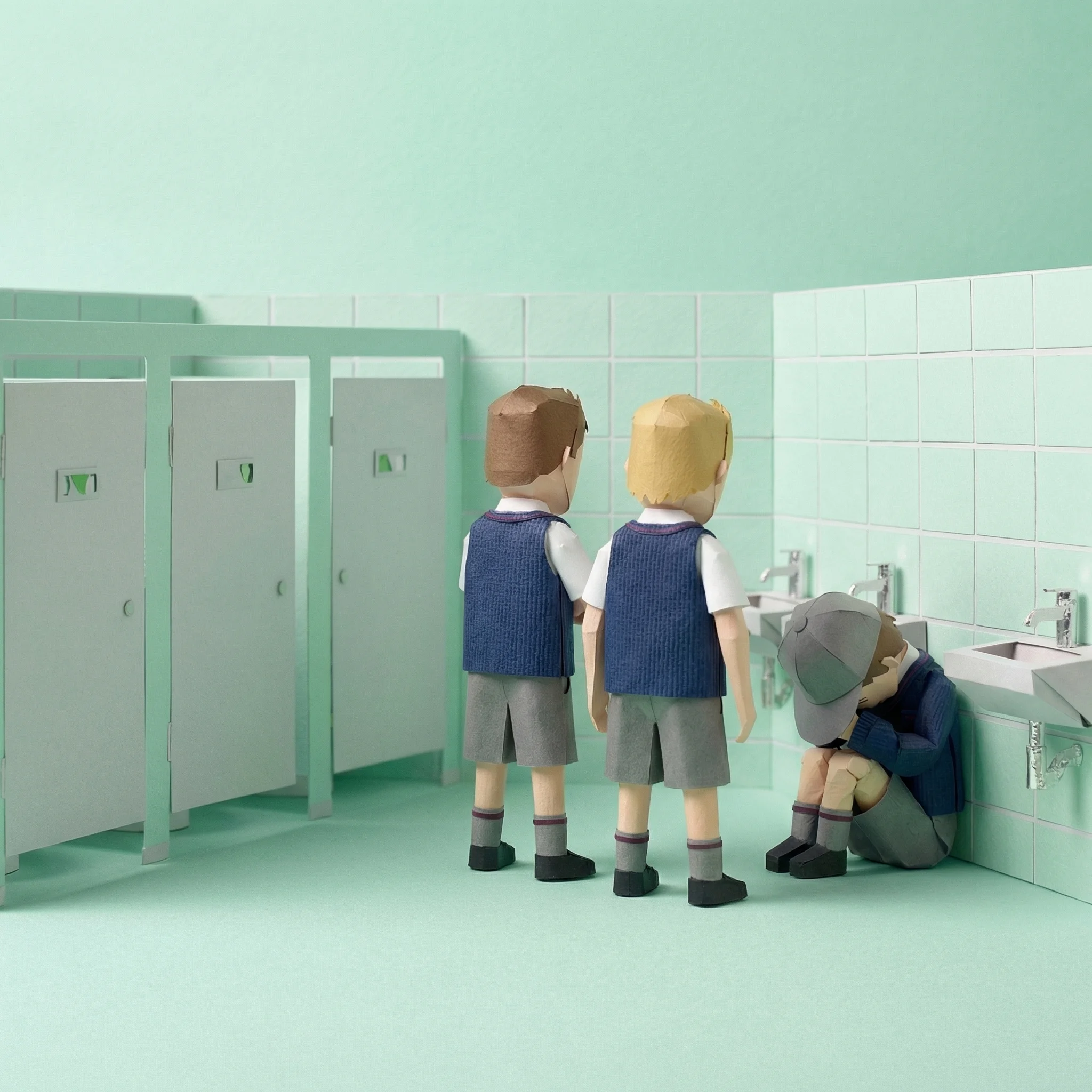
Parent complaints, student resentment — and it doesn't solve the underlying problem.
Give teachers a short pass routine and authorised leaders one view of open records. Vero helps principals replace paper sign-outs with searchable, teacher-created records, without GPS or student devices.
Review open pass records across the school on a school-approved phone, laptop or tablet. The register shows the student, expected destination and recorded open time; it does not verify physical location.
Review pass-record counts and selected-destination summaries by year level, house, class and time of day. School-defined rules can notify authorised staff when a documented threshold is crossed.
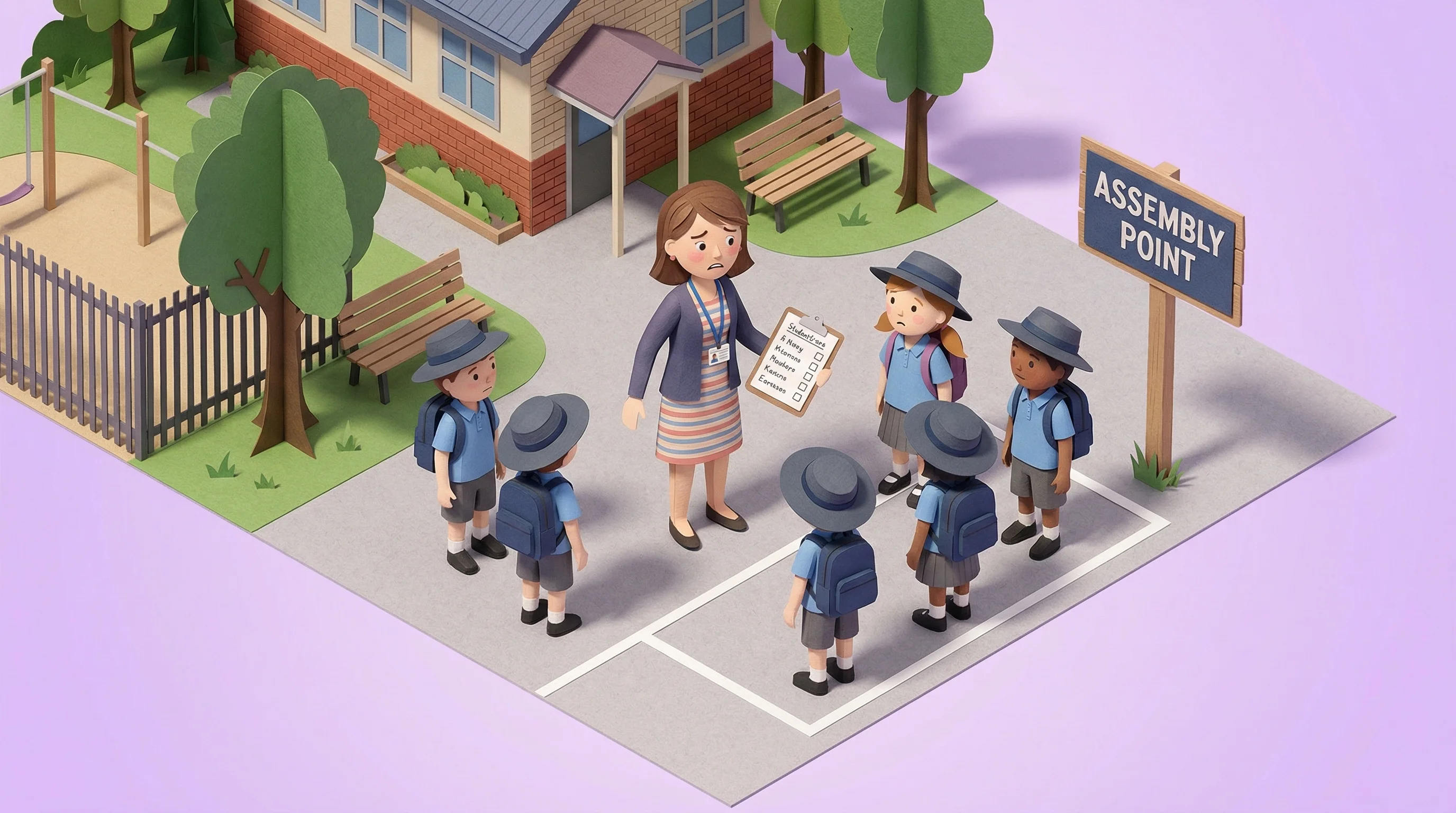
During a drill or emergency, Vero shows open pass records with student name, expected destination and recorded start time. That record can supplement established response procedures; it is not a verified physical-location system.
Common gaps created by paper records, disconnected processes, and restrictive workarounds.
Parent complaints, student resentment — and it doesn't solve the underlying problem.
Hard to search, aggregate or share with authorised leaders through a consistent register.
During emergencies, you need to know who's out of class immediately. Paper can't give you that.
A simple workflow for teachers, a shared register for authorised staff, and a clear way to evaluate the fit.
Pass Workflow
Select the student and destination; the timed record starts
Formal Training
No PD day, training manual, or product-training program required
Shared pass register
Open pass records appear in the same authorised staff view
Pilot Period
Evaluate Vero in context; the pilot fee is credited if you continue
Locked doors, paper sign-outs, verbal check-ins, and manual spreadsheets each leave a different gap. Vero replaces those disconnected processes with one consistent record.
See how Vero supports every role in your school leadership team.
Incident investigation, behaviour pattern data, student separation alerts, and parent-meeting-ready reports.
Learn moreCreate a pass in two taps, with no app-store deployment or formal training day required.
Learn moreNo servers or app-store deployment. Connected uses a one-time, read-only Wonde approval; local allowlisting may be required during setup.
Learn more







Review open pass records, expected destinations and start times as one supplementary input to established emergency procedures.
Use timestamped, teacher-created pass records to support wider school supervision and review processes.
Review pass counts, recorded duration and expected destinations as limited context for professional judgement.

Search recorded passes by destination and time to support incident follow-up without cameras or locked doors.

Review relevant bathroom pass records and staff-defined separation warnings without cameras or sensors.

Warn staff about active-pass conflicts in named separation groups before they issue a pass.
Choose one year level, building or teaching team for a paid one-term pilot. Agree the questions first: how long does issuing a pass take, can authorised staff find a record, and are return procedures clear? The business-case guide and pilot scorecard help you document a baseline and decide what would justify continuing. Adapt the student movement policy template with staff so departures, returns, exceptions and record access have clear owners.
Compare Vero with your paper process, check the annual cost and pilot credit, and ask IT to review the Compass or SEQTA connection if relevant. No universal time-saving or behaviour outcome is assumed.

Book a 20-minute walkthrough and we'll show you exactly how Vero works for principals.