
Record late arrivals. Review patterns in context.

One tap records a late arrival. Authorised staff can review patterns over time and bring a neutral chronology to parent and pastoral-care conversations.


CompassSentralSEQTATASSSynergeticEdumateVeracross

The problem with late arrivals today

Late-arrival records can be scattered across rolls, paper and staff recollection. A shared record makes authorised review easier.

Papers cascading off a teacher's desk — paper-based late logs getting lost

Paper logs disappear

Teachers mark rolls, but late arrivals get forgotten, misrecorded, or never make it to admin. The data exists in theory but not in practice.
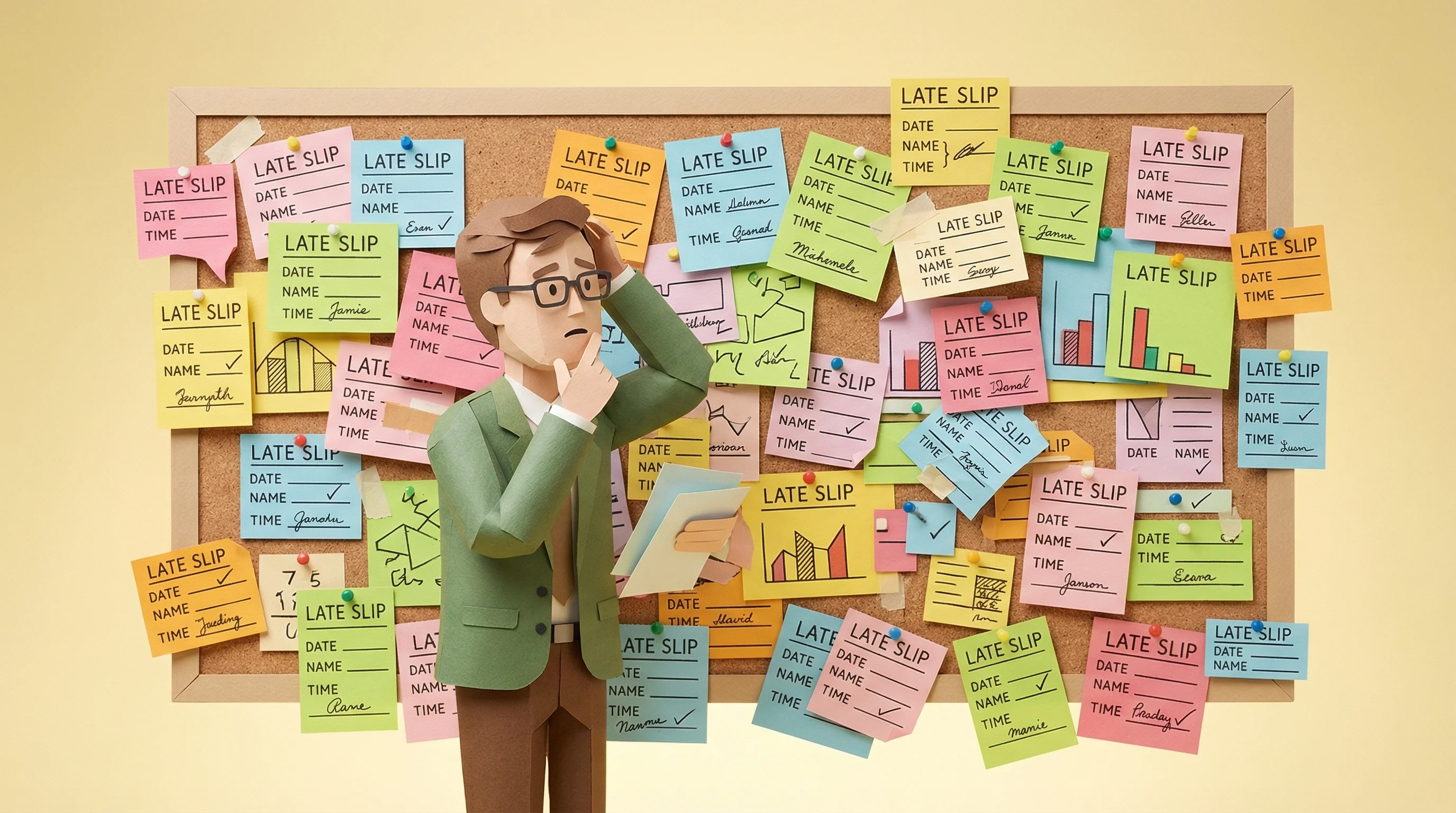
Overwhelmed teacher standing in front of a board covered in late slips

Patterns stay hidden

Once a week or once a term? Without a consistent record, the frequency and surrounding context can be difficult to review.

Clock illustrating how repeated late arrivals can accumulate across a school day

Repeated late arrivals are hard to quantify

Repeated late arrivals can accumulate across a week. A consistent record lets staff calculate the school-specific total and check the context.

How Late to Class works

A student walks in late. You tap their name. Done — timestamped and logged.

One tap. Student marked late.

A student arrives after the bell. The teacher opens Vero, taps the student's name, and the late arrival is recorded with the exact time, period and recording teacher. Staff can add context when needed.

  • Under 3 seconds to record a late arrival
  • Automatic timestamp and period detection
  • Add a reason or note when the context matters

See who's late — and how often

Vero organises late-arrival records over time. Authorised staff can review frequency by student, day and period, then decide whether a pattern warrants contextual follow-up.

  • Student-level view: every late arrival on a timeline
  • Identify which periods lose the most learning time
  • Track trends week-over-week, term-over-term

Timestamped records for contextual conversations

When it's time to talk to a parent, year level coordinator, or wellbeing team, you'll have timestamped data — not vague recollections. Read it off the screen, or export to CSV and share with confidence.

  • Per-student reports showing every recorded late arrival
  • School-wide summaries by period, day, and term
  • Export to CSV for pastoral care and wider school reviews
Part of Vero

Built into the same platform your teachers already use

Late to Class lives inside Vero alongside out-of-class passes. It uses the same interface and is included in both plans. No formal training day is required.

  • Same platform as digital out-of-class passes
  • No separate app or formal training day needed
  • Data feeds into the same reporting dashboard

Common questions

Can students mark themselves as late?
No. Only authorised staff can record a late arrival, just as staff create out-of-class passes in Vero. Students do not interact with the system; the teacher taps the student's name and Vero timestamps the entry.
What data is recorded for each late arrival?
Each record captures the student's name, date and exact time, period, class and recording teacher. Authorised staff can review or export the timestamped log for pastoral care, parent meetings and wider school reviews.
Does this replace our student management system attendance marking?
No — and it's not designed to. Vero's Late to Class captures the specific moment a student arrives late, with richer context than a standard roll mark. Think of it as a layer on top of your student management system, purpose-built for tracking and intervening on lateness patterns.
Is Late to Class included in all plans?
Yes — Late to Class is included for every Vero school, on both Core and Connected plans. It's part of the same Vero platform — no separate app or login required.
How do we get reports to pastoral care or year level coordinators?
School administrators, and any staff member granted the Insight Viewer role, can view lateness reports, filter by student or year level, and export the underlying data as CSV. Share it with pastoral care or year level coordinators, or pull the record up on screen in a parent meeting.
Australian owned and operated
Built in Australia for Australian schools

See Late to Class in action

Book a 20-minute walkthrough to review the late-arrival workflow, reports, access controls and one-term pilot option.