Getting started
Sign in, meet the Switchboard, and learn who can see what.
5 visual guides, from first click to the edge cases.
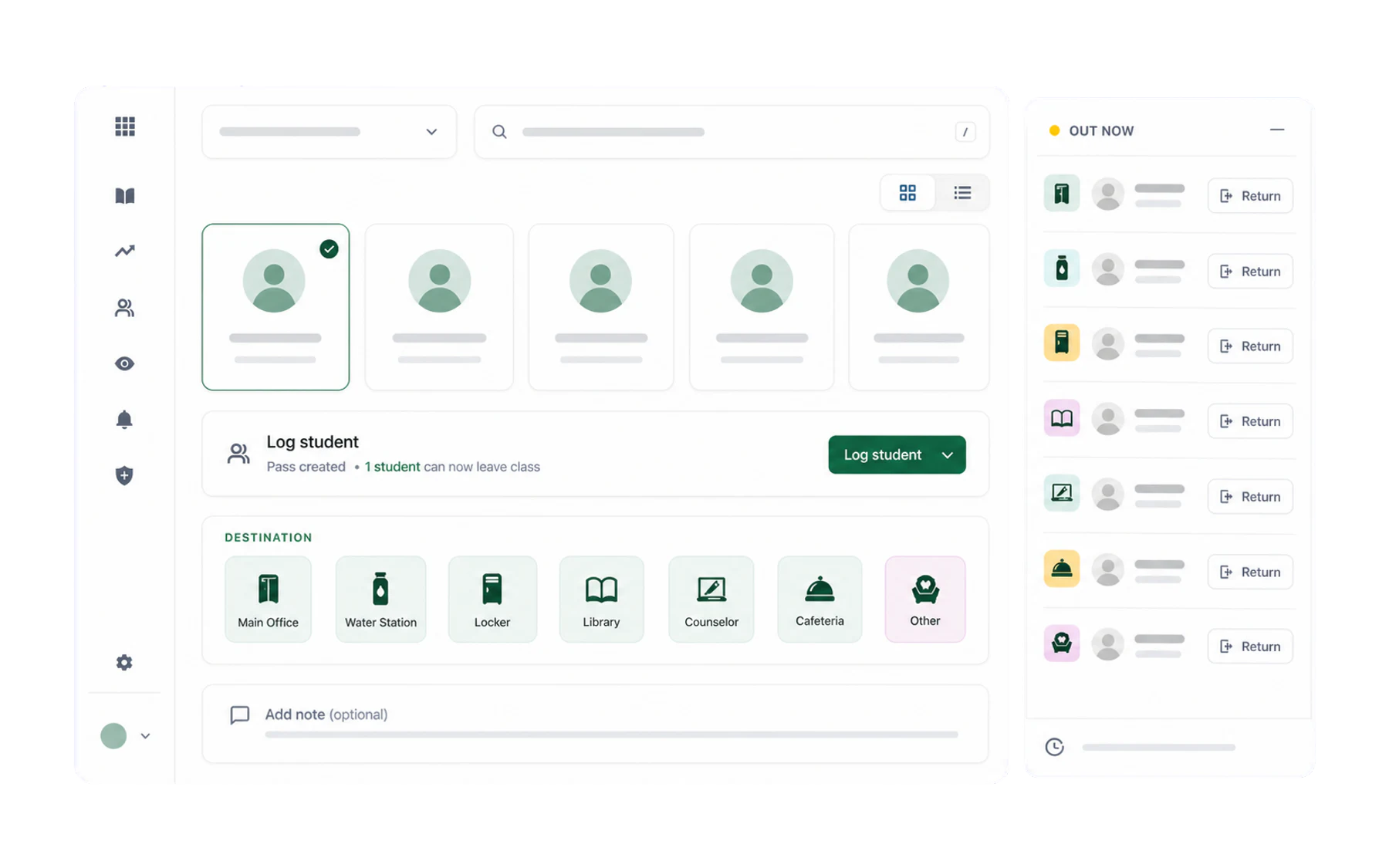
What Vero does, in one page
The short version of what Vero records, who uses each part of it, and what changes on day one.
Signing in to Vero
Three ways in — your school Microsoft account, a one-time email link, or a password — and what to do when none of them work.
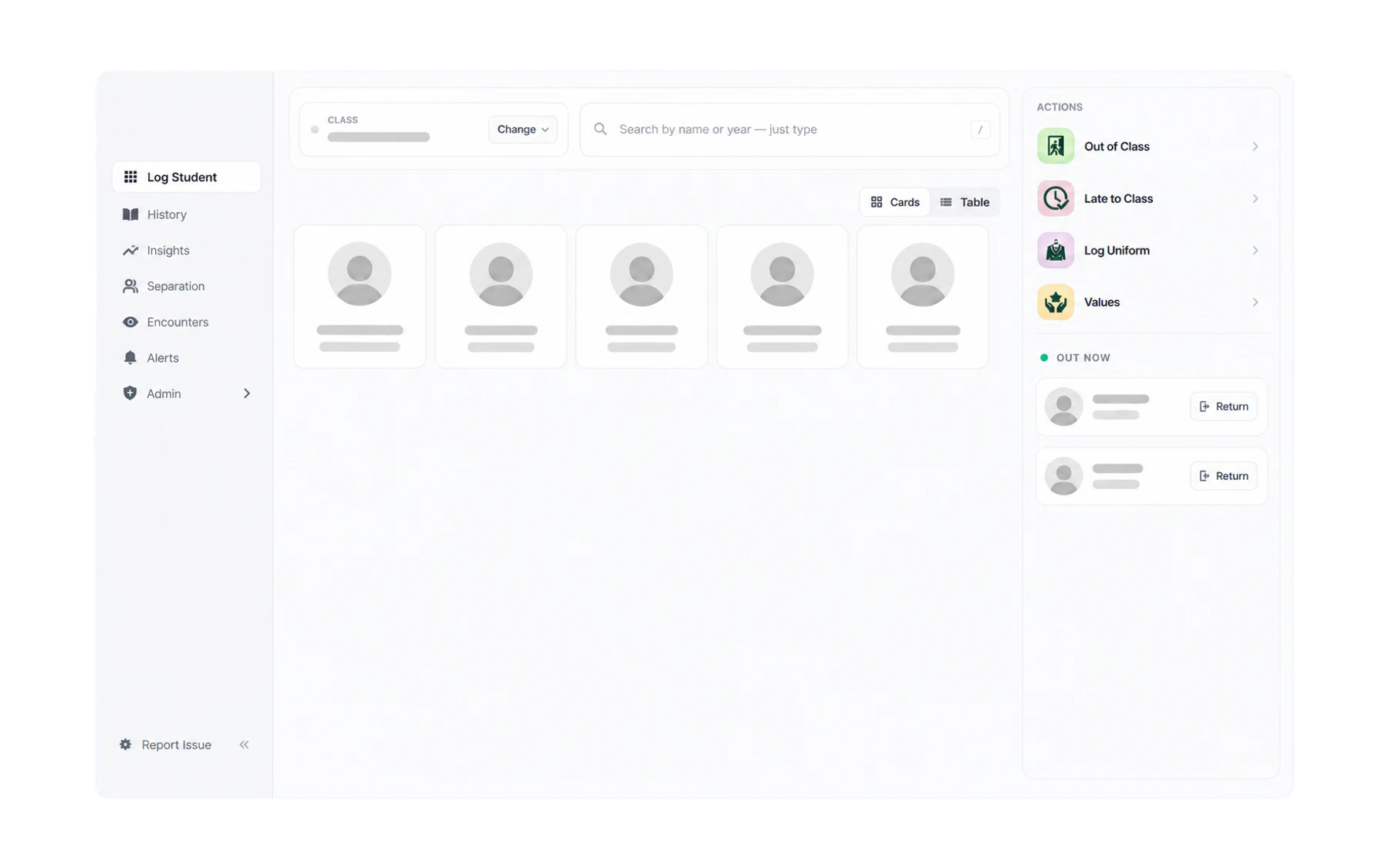
A tour of the Vero screen
How the Log Student workspace, History, Insights and the role-based navigation fit together.
Using Vero on your phone
Install Vero on your home screen and issue a pass from anywhere in the school.
Roles: who can see what
Teacher, Insight Viewer, Front Office, School Admin — what each role unlocks and who assigns them.
Other topics
The rest of the help centre, organised around the next job you need to do.
Out-of-class passes
Select a student, choose Out of Class, and manage the pass through to its recorded end.
7 guides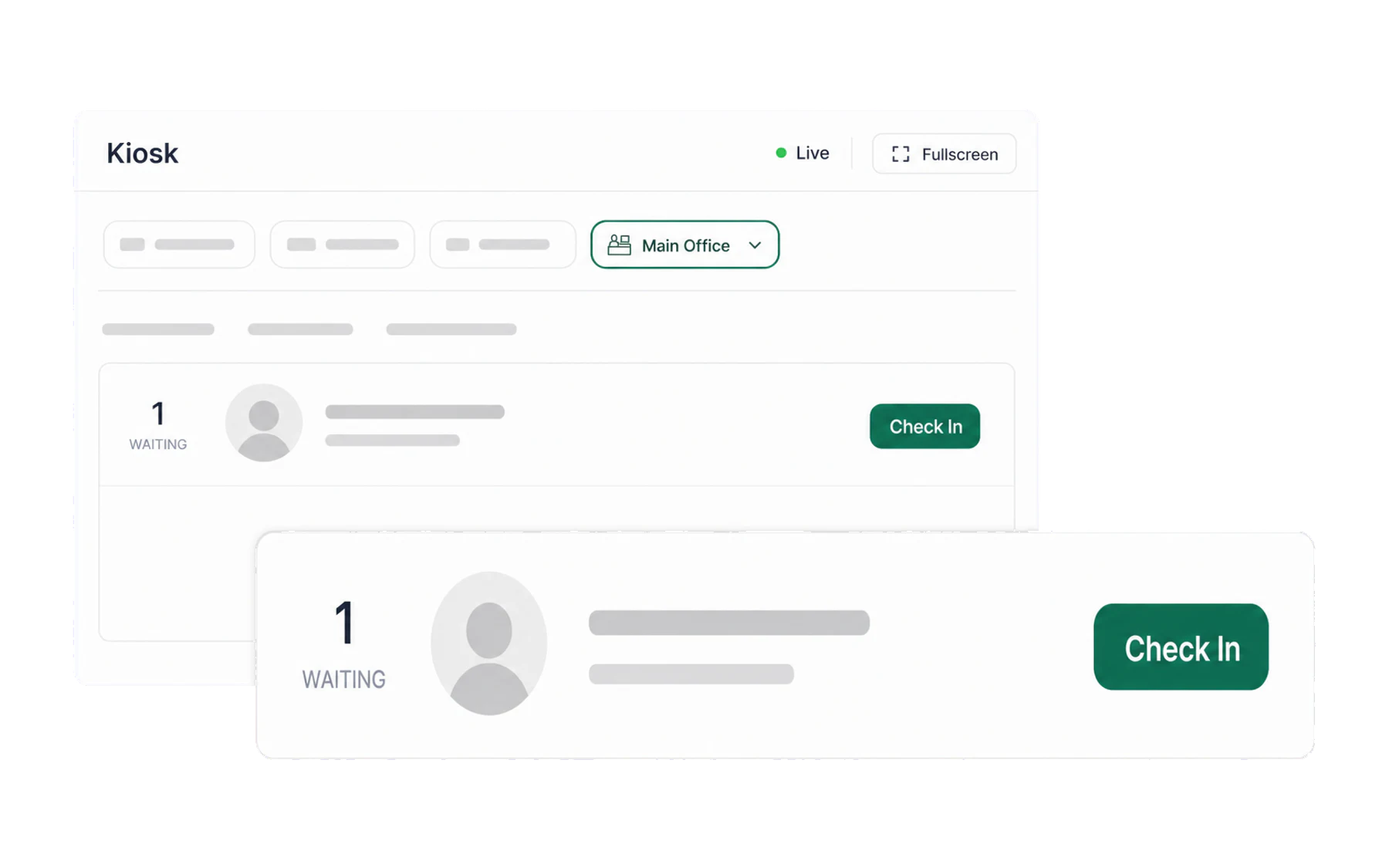
Kiosk & arrivals
A destination check-in screen showing matching open pass records.
3 guides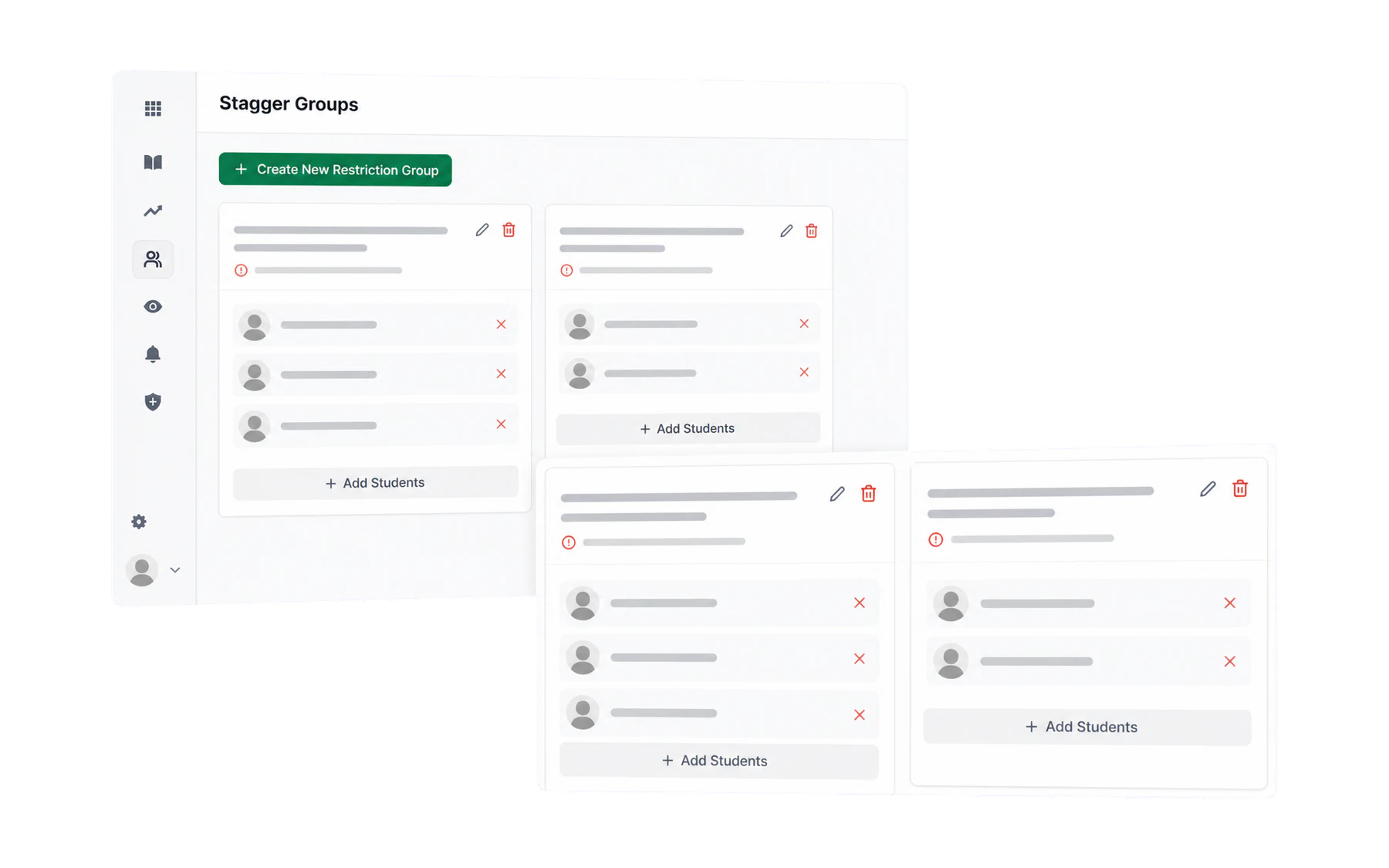
Separation
Configure advisory pass-creation rules for students with an approved separation arrangement.
3 guides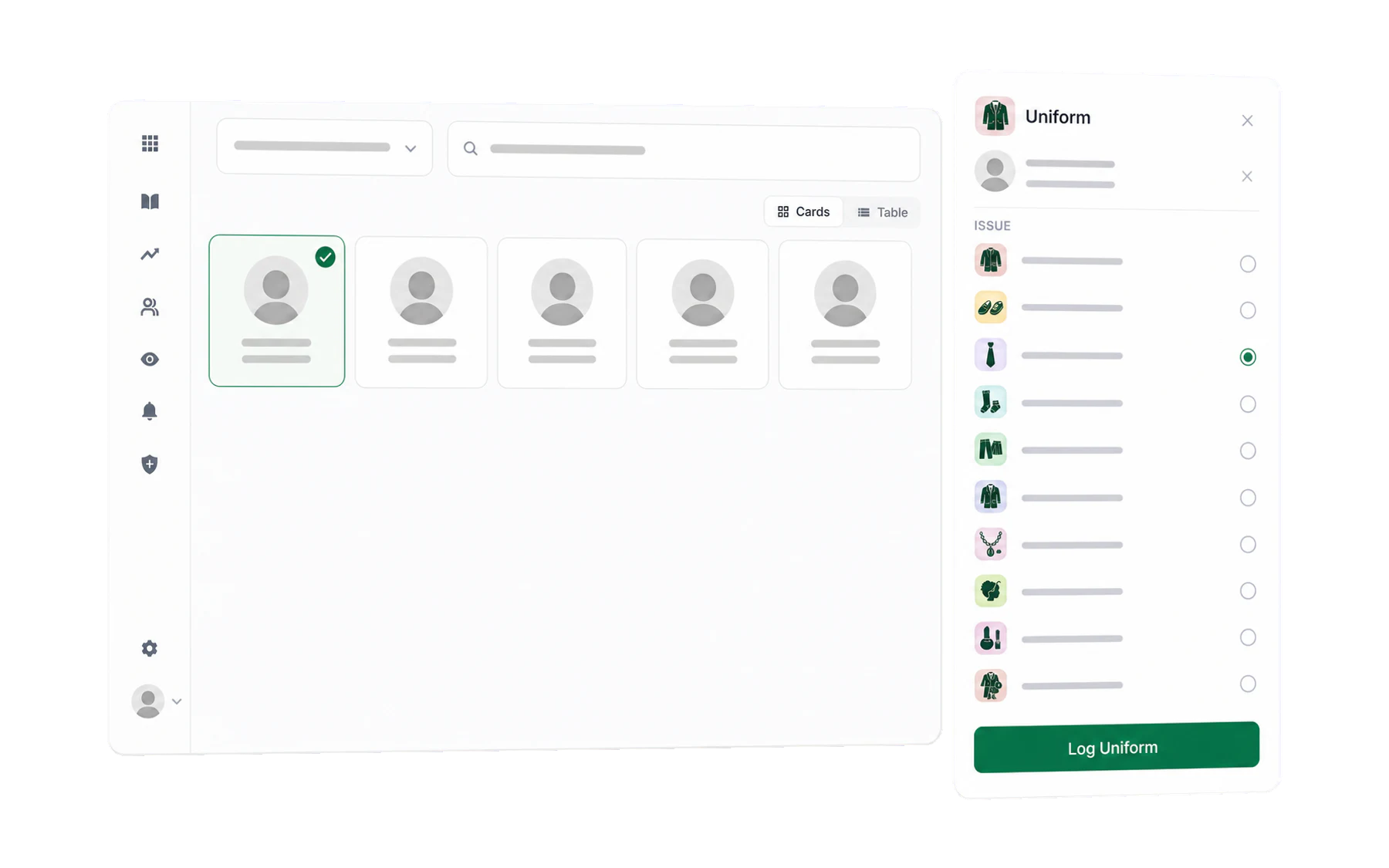
Staff-created student records
Record uniform, values, lateness and confiscation workflows from one staff workspace.
4 guides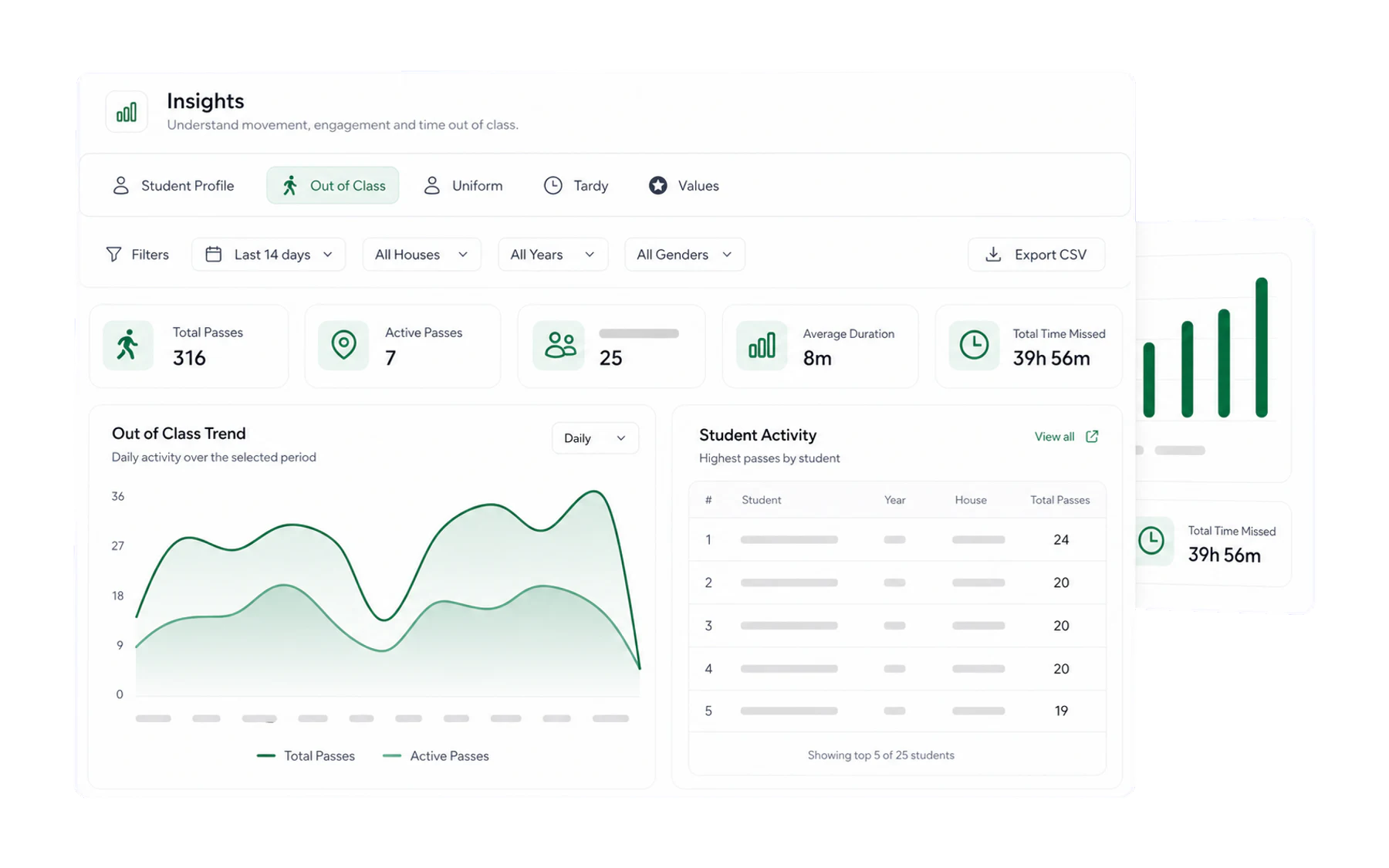
Insights & reporting
Summarise records created in Vero for an authorised school review.
5 guides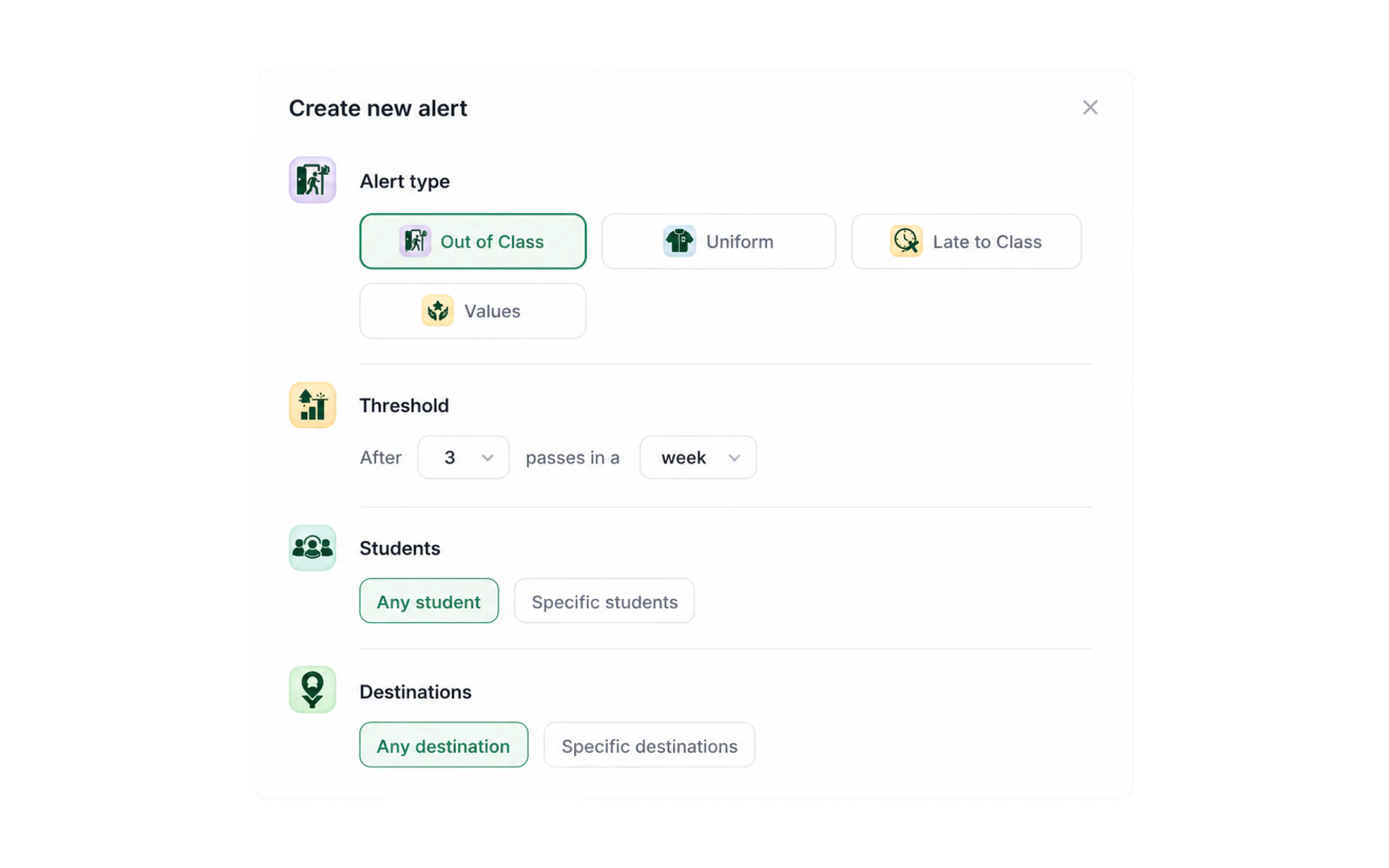
Alerts
Configure role-restricted notifications for defined record-review rules.
2 guides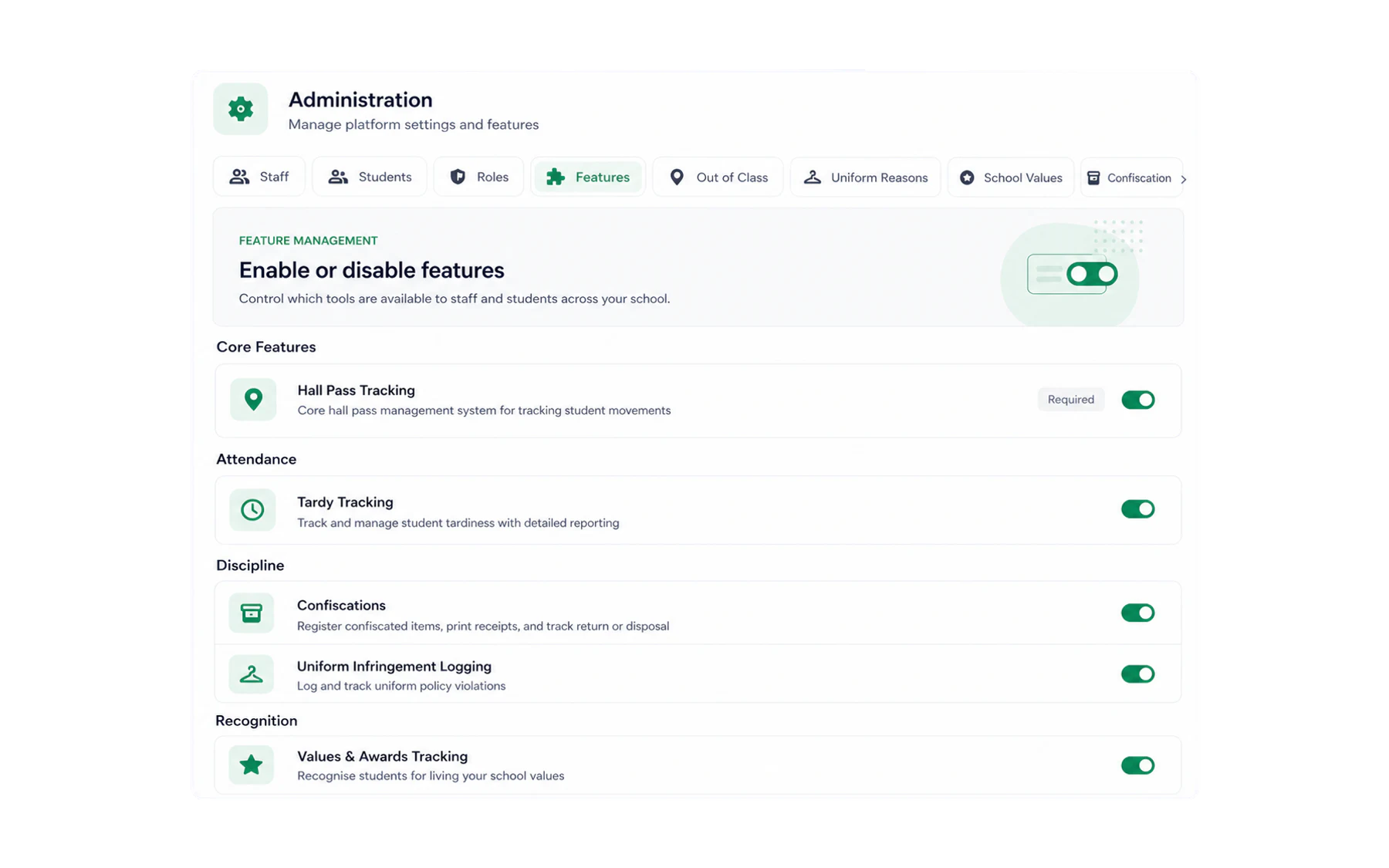
School administration
Set Vero up once so everything above just works.
9 guides
Can’t find it?
Email support@vero.education and a human in Australia will answer within four business hours.