All guides
Turn modules on and off
Switch uniform, values, confiscations, kiosk and lateness on when your school is ready.
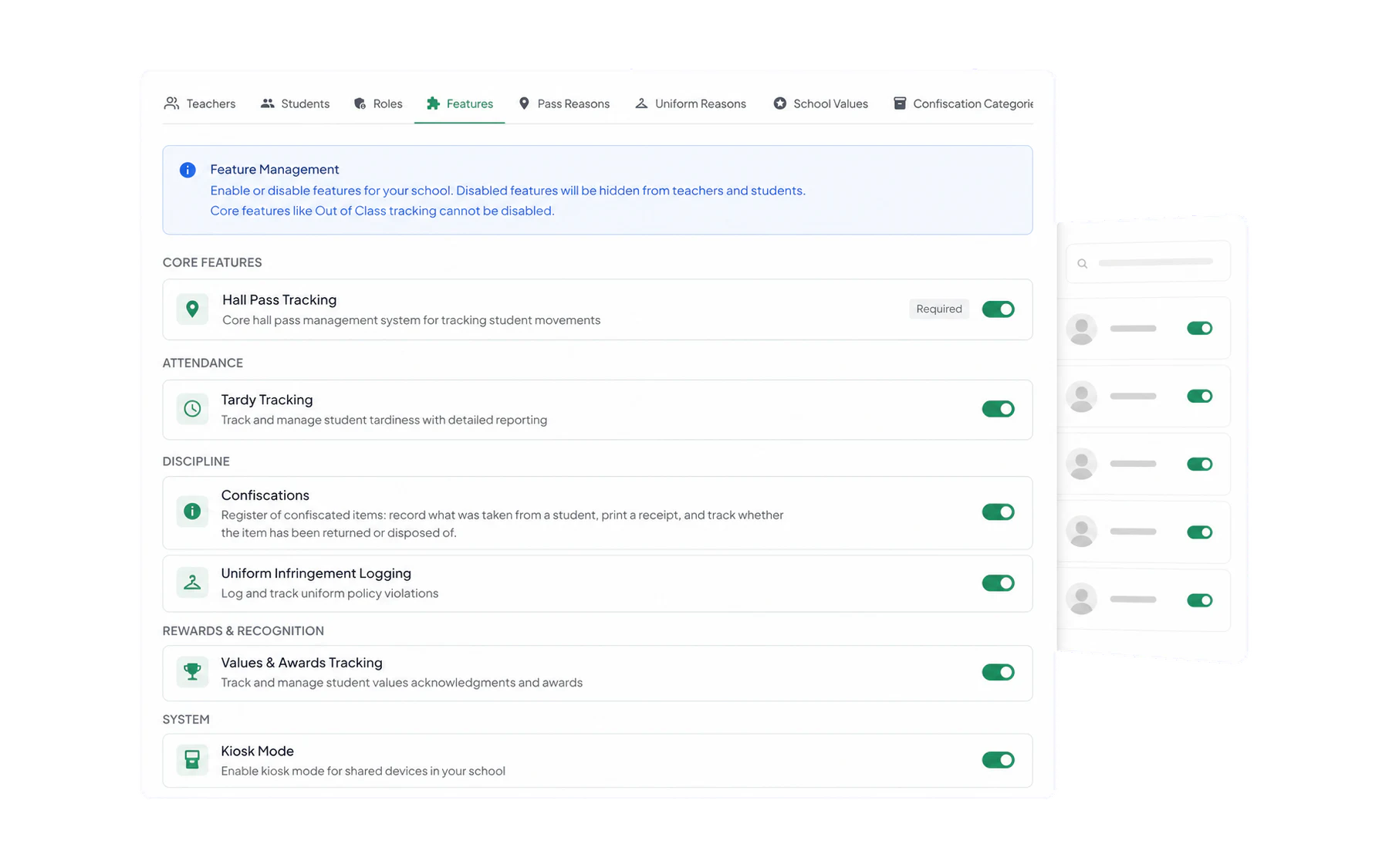
Admin → Features is a page of switches. Each one adds an action, record type or specialist workspace for staff, so it is worth treating each as a rollout rather than a toggle.
What each one does
- Hall Pass Tracking — the core. Always on; it is what Vero is.
- Tardy Tracking — the Late to Class action, for recording late arrivals. Record students arriving late.
- Uniform Infringement Logging — the Log Uniform action in Log Student. Log a uniform infringement.
- Values & Awards Tracking — the Values action in Log Student. Award a school value.
- Confiscations — the register, the receipt and the return workflow. Record and return a confiscation.
- Kiosk Mode — the arrivals board, plus the Kiosk Setup admin tab. Set up Kiosk Mode.
Turning one on well
Switching a module on is a two-minute job. Getting staff to use it is a term. The schools where it sticks do the same four things:
- Write the list first. Set up the uniform reasons, values or categories before anyone sees the new action — see Uniform reasons, values and confiscation categories. A module with an empty or badly-worded list gets abandoned on day one.
- Start with one faculty or one year level. Fix the wording with a small group before it reaches everyone.
- Say what it is for. Staff record diligently when they know the data goes somewhere, and stop when it appears to vanish.
- Show the first report. Four weeks in, put the Insights view in a staff briefing. That is the moment recording becomes habit.
Turning one off
The action or workspace disappears for everyone and no new records can be made. Nothing already recorded is deleted — switch the module back on later and the history is all still there.