All guides
Log a uniform infringement
Record a uniform issue in the corridor in a few seconds, with the reason attached.
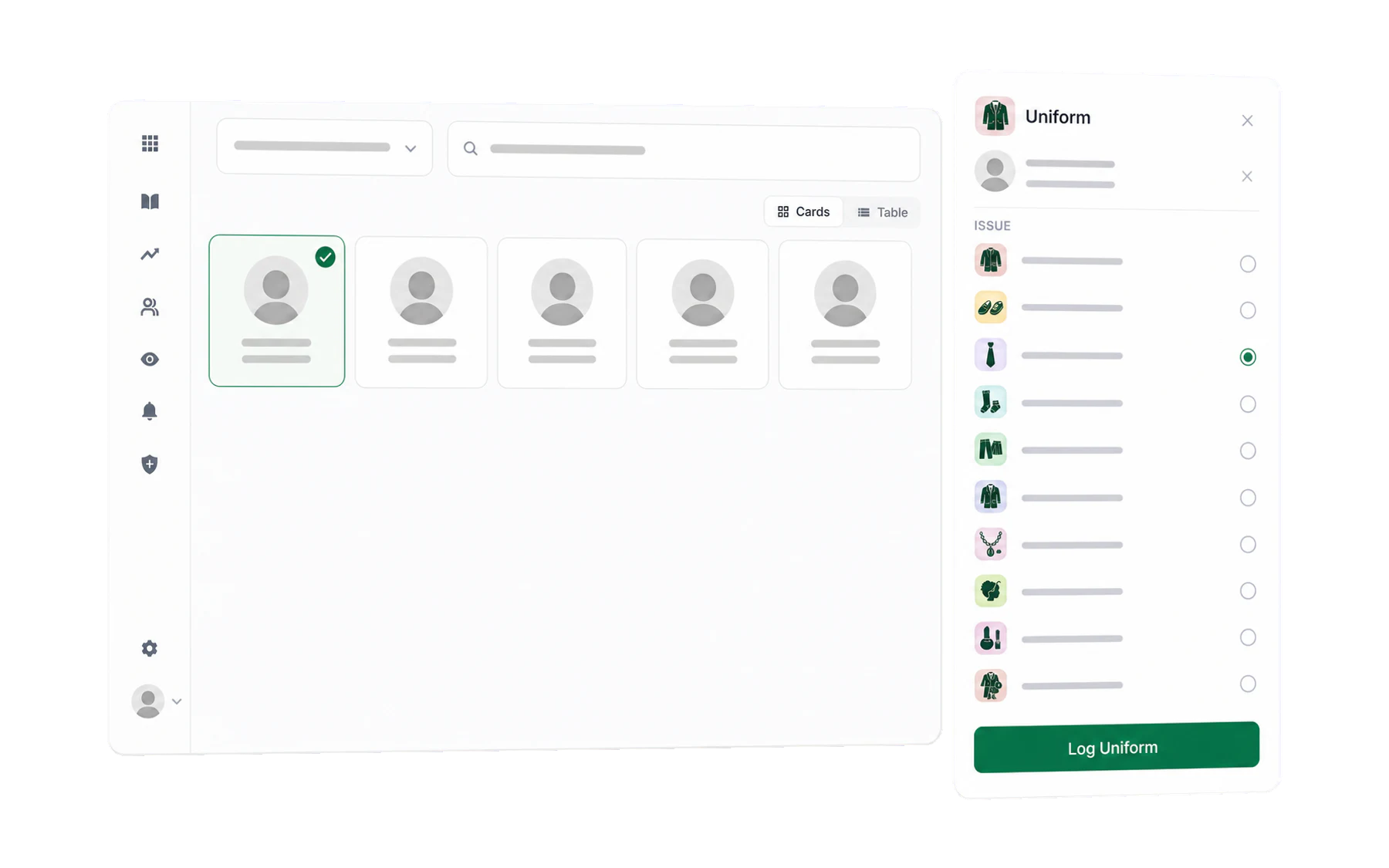
Uniform logging works exactly like issuing a pass: pick the student, pick the reason. It is built to be done at the point you notice, in the corridor, in about five seconds — because a uniform system that needs you to remember until lunchtime is a uniform system nobody uses.
- Open Log Student and choose the class you are teaching.
- Find the student — from your class, from All Classes, or with the search box, which reaches every student in the school. Search is the usual route here, because uniform gets noticed outside your own lessons.
- Choose Log Uniform in the action rail, then choose the issue. That records it.
The issue list
Untucked shirt, wrong footwear, missing tie, jewellery, hair policy, complete uniform violation — the list comes from your school’s policy, not from us. An administrator edits it underAdmin → Uniform Reasons; see Uniform reasons, values and confiscation categories.
What the card tells you
A student card shows infringements logged today, so you can see at a glance whether a colleague has already picked this up in period 1. That is what stops the same student being spoken to four times before recess for the same shoes — the thing that makes uniform enforcement feel arbitrary to students and exhausting to staff.
What it is for
Not punishment — pattern. One untucked shirt is nothing. The same student, every day, for a fortnight, is a conversation worth having, and it is frequently not about the shirt: a lost blazer can be a family that cannot replace it. Vero’s job is to make that visible early enough to help.
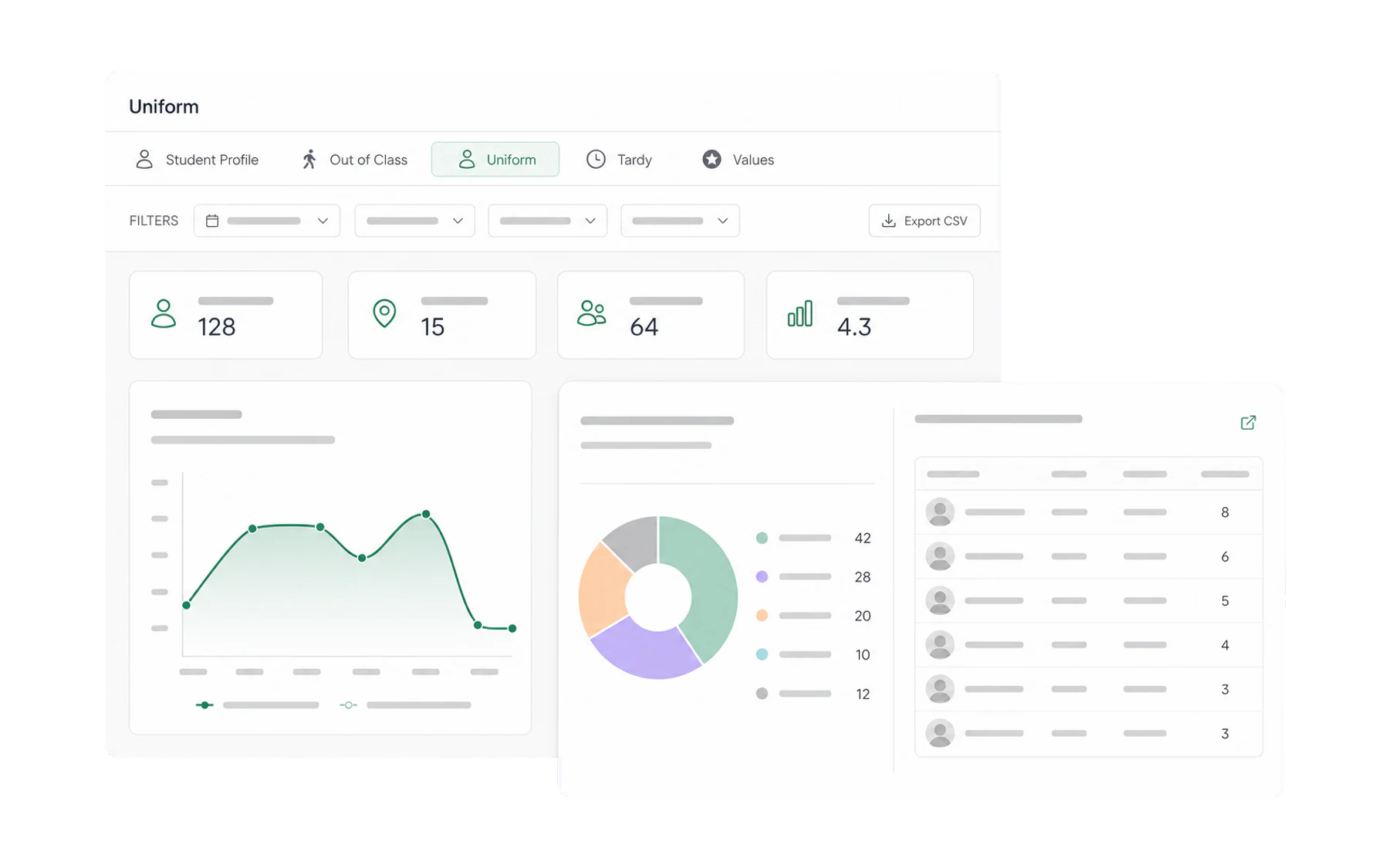
- Insights → Uniform shows the school-wide picture: which issues, which year levels, which weeks.
- A student profile shows one student across passes, uniform, lateness and values at once.
- An alert rule can tell a year coordinator when a student reaches a tally you set, rather than waiting for someone to notice.
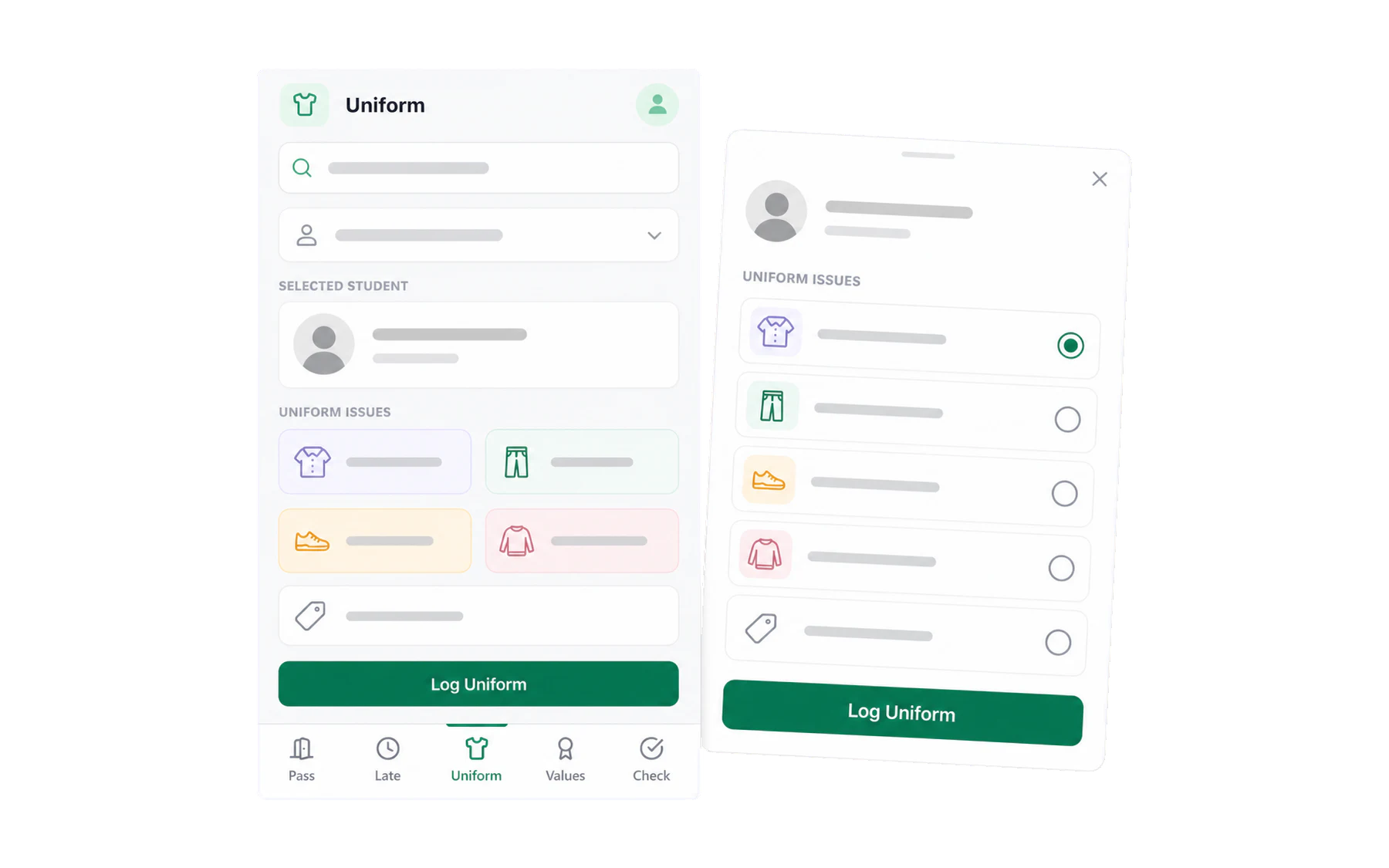
On a phone
The mobile Uniform workspace keeps the same student-first flow in a touch-friendly layout for the gate. See Using Vero on your phone.