All guides
School branding
Add your logo, choose the school colour, and keep house colours distinct.
Admin → Branding controls how your school’s identity appears in Vero: your logo, brand colour and house colours.
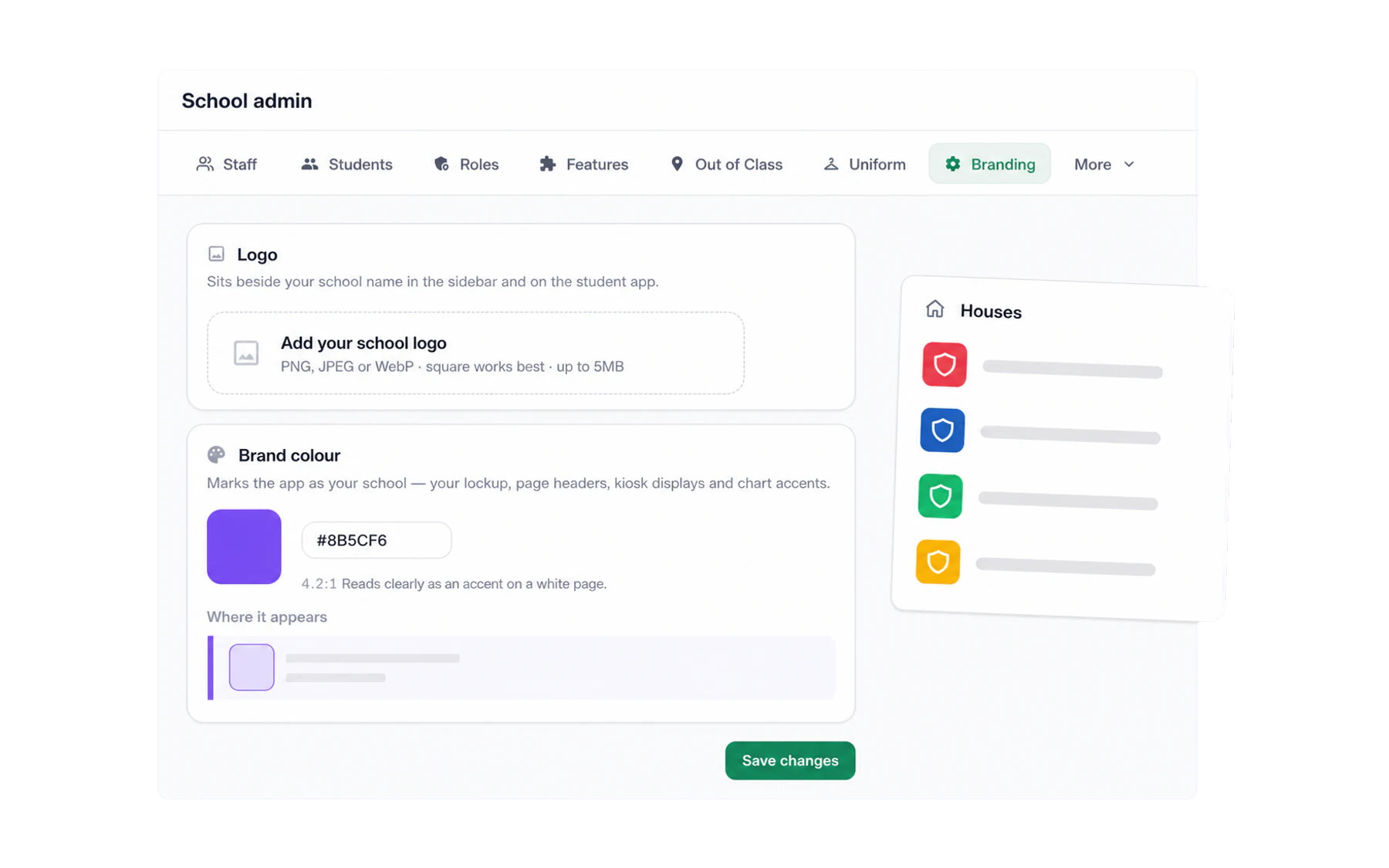
Your logo
Upload your school crest and it appears beside the school name in the staff sidebar and on the student app. It is a small thing that does real work: staff and students can immediately tell they are in the right school workspace.
A square or near-square image works best — a wide banner crest will be letterboxed.
Your colour
The brand colour marks school-owned surfaces such as the sidebar lockup, page headers, kiosk displays and chart accents. Buttons, links and focus rings stay Vero green so actions remain consistent and readable. Use your school’s actual brand colour, then chooseSave changes.
House colours
Houses imported from your MIS appear as individual colour cards. Choose colours that are easy to tell apart at a glance; Vero warns you when two badges are too similar. UseEdit exact hex codes when you need to match an official palette precisely.