All guides
Import users from a CSV
The route for schools without an SIS connection: a spreadsheet in, accounts out.
Schools without an SIS connection load their people from a spreadsheet. It is the same Vero either way — the only difference is that you own the list rather than your SIS owning it.
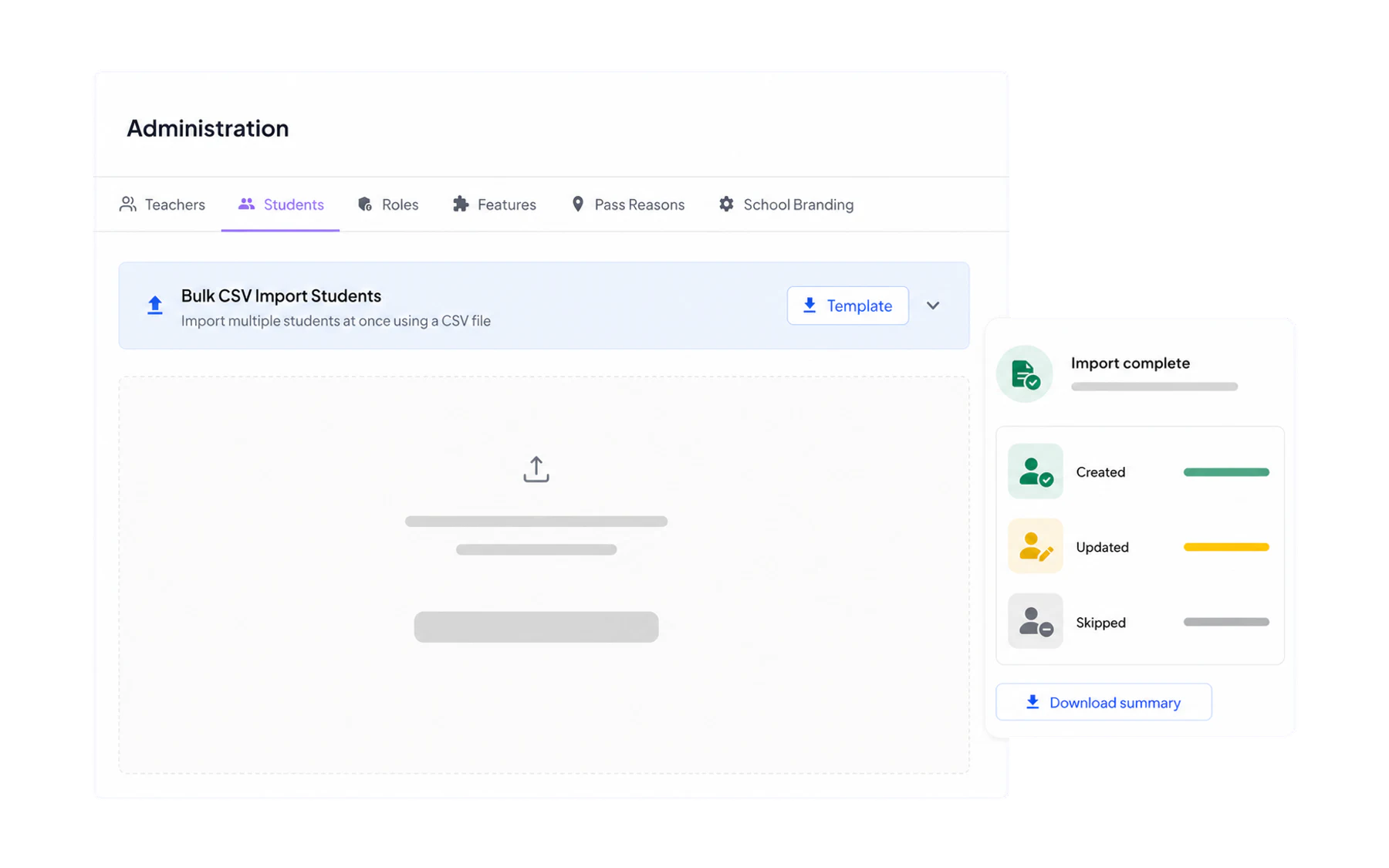
Importing
- Download the template for students or for staff. Use it rather than building your own — the column names are what Vero matches on.
- Fill it in from your existing records. Email, first name and surname are required; the rest is optional but worth doing.
- Upload the file and let it process.
- Read the summary. Vero reports how many rows were created, updated and skipped, and why any were skipped.
The columns
Students
email, forename, surname, year_group,house, gender, date_of_birth, mis_id
year_group and house are the two optional fields that matter most: they are what every Insights filter and cohort-scoped alert rule works from. A list without them still works, but the reporting is much blunter.
Staff
email, forename, surname, title,mis_id, is_admin
Re-importing
Uploading the file again updates existing people and adds new ones — it does not create duplicates, provided the identifying columns are stable. Most CSV schools re-import at the start of each term.
Common problems
- Rows skipped for a missing email. Email is the identifier. A student without one cannot be imported.
- Duplicate people. Two rows with different email addresses for one person. Fix the source and re-import.
- Odd characters in names. Save as UTF-8 CSV. Excel’s plain “CSV” export mangles accented characters on some systems.
- Year groups not filtering. Keep the values consistent — “9”, “Year 9” and “Yr 9” are three different cohorts as far as any filter is concerned.
Photos
The CSV carries no photos. Upload them separately under Admin → Students — it is worth the hour, because the photo is what makes a student card usable by a relief teacher.
Moving to a live connection later
Schools that start on CSV frequently move to a Wonde connection once Vero is embedded. Nothing recorded in the meantime is lost — the list simply stops being your job.