All guides
Award a school value
Catch students doing the right thing and make it count towards your school’s values.
Most schools have a set of values on a poster in the foyer. Values & Awards is the module that turns them into something with a number attached — so “respect” is not just a word on a wall but a thing 340 students were caught doing this term.
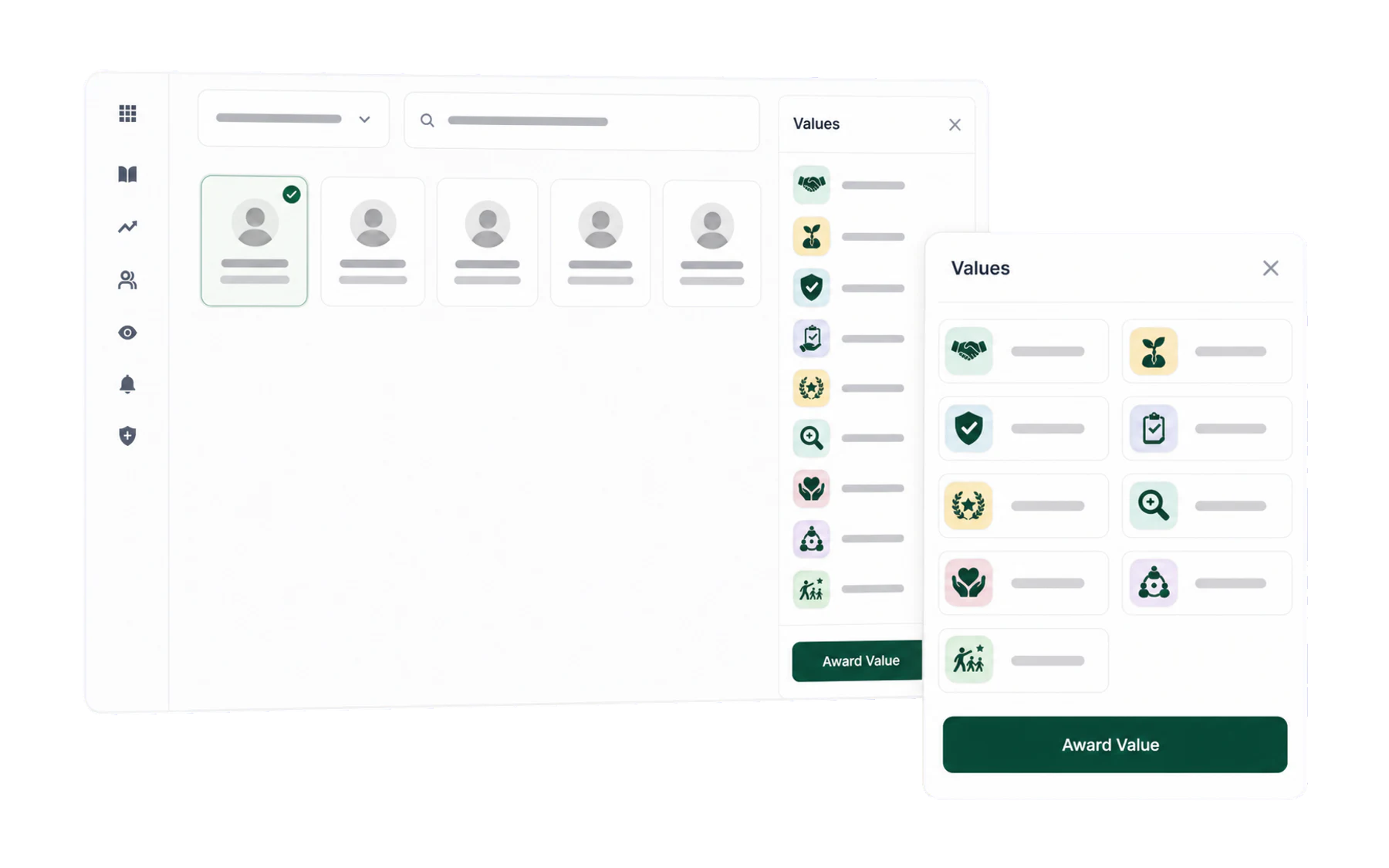
- Open Log Student and choose the class.
- Choose the student — your class, all classes, or search.
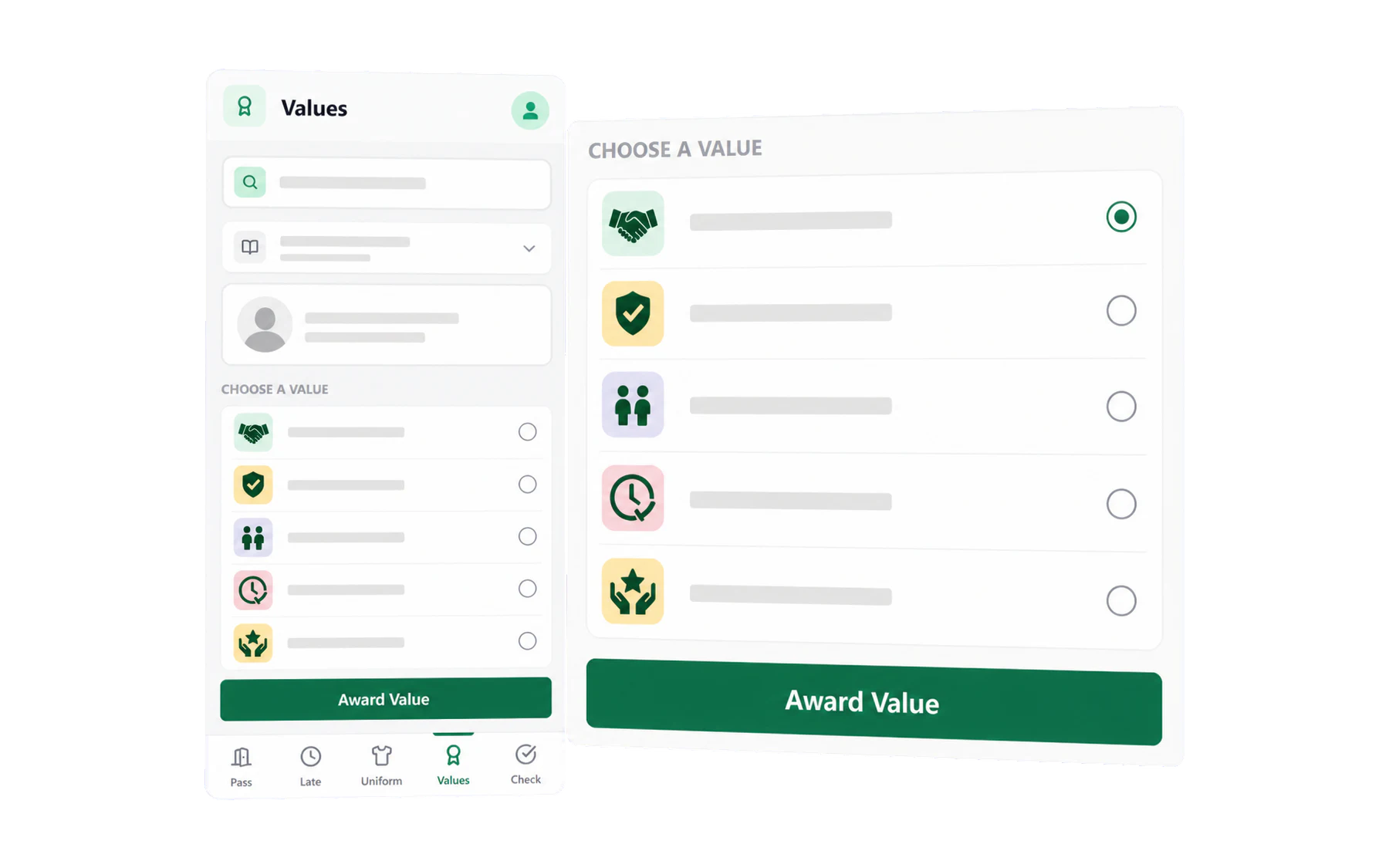
- Choose Values in the action rail, then choose the value. Recorded.
Making it stick
The failure mode for every positive-recognition system is the same: enthusiastic in week 2, dead by week 8. Three things help.
- Award in the moment. The value of the record is the pattern it builds, and a record made at 3pm from memory is a record that will not be made at all.
- Keep the list short. Four or five values that people can hold in their head. Twelve is a filing system.
- Close the loop. Read the totals out at assembly, put them in the newsletter, tell the house captains. Staff keep awarding when awards visibly go somewhere.
Seeing where it lands
Insights → Values shows which values are being awarded, to which year levels and houses, and by whom. Two record-quality questions are worth reviewing:
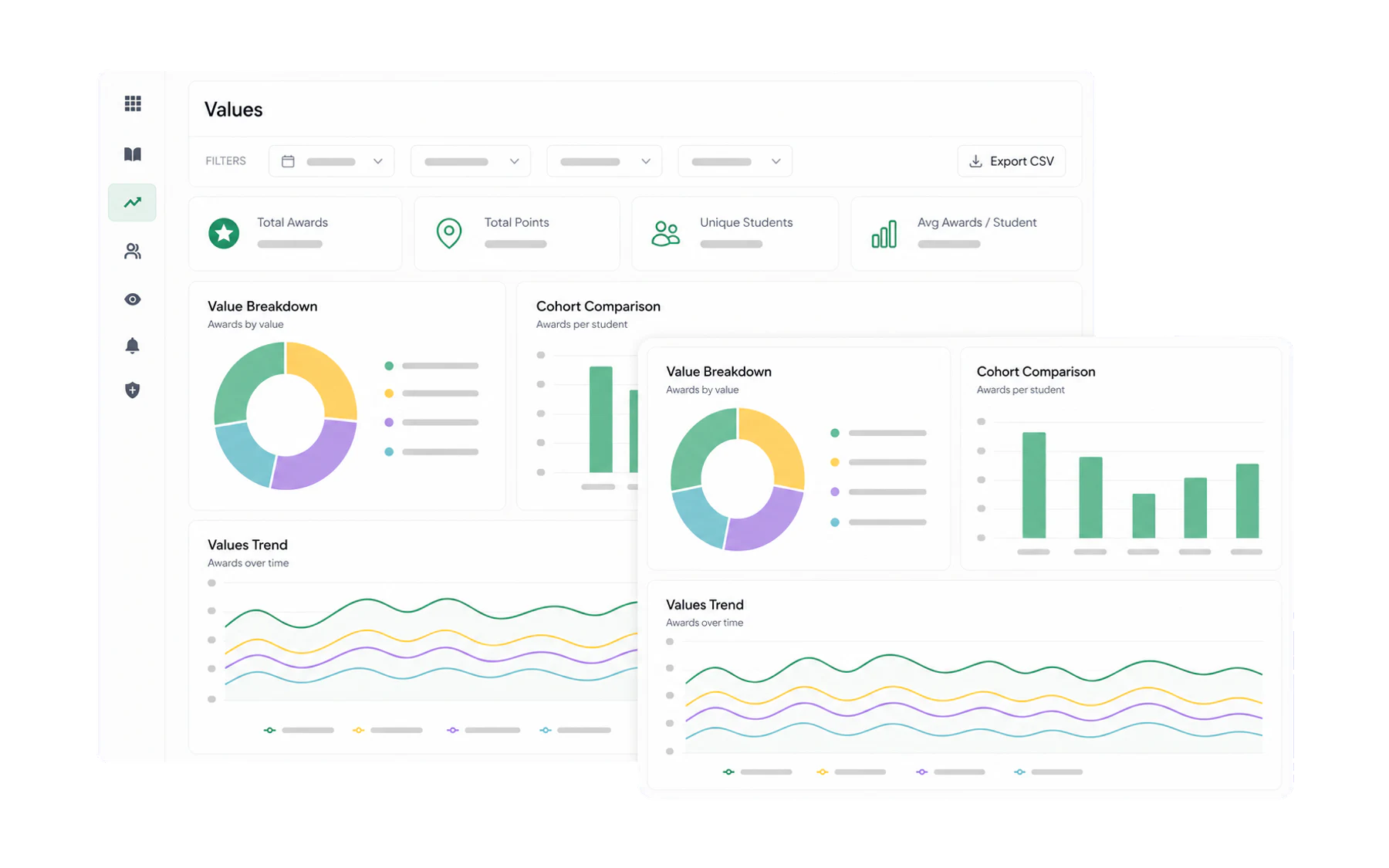
- One value dominating. Usually the easiest to spot rather than the most important. Worth naming in a staff meeting.
- Awards concentrated on a few students. The quiet, compliant ones can go a whole term without being noticed. The report makes that visible; nothing else does.
Editing the values themselves
Admin → School Values. Use your school’s own wording, exactly as it appears on the poster — a value staff have to translate is a value staff will not use. See Uniform reasons, values and confiscation categories.