All guides
Read the student card
Photo, year and house, today’s pass count, the live timer — everything the card tells you at a glance.
The card is the densest thing on the screen and the part most worth two minutes of your time. It is designed to be read at a glance from a metre away, while a student is standing in front of you.
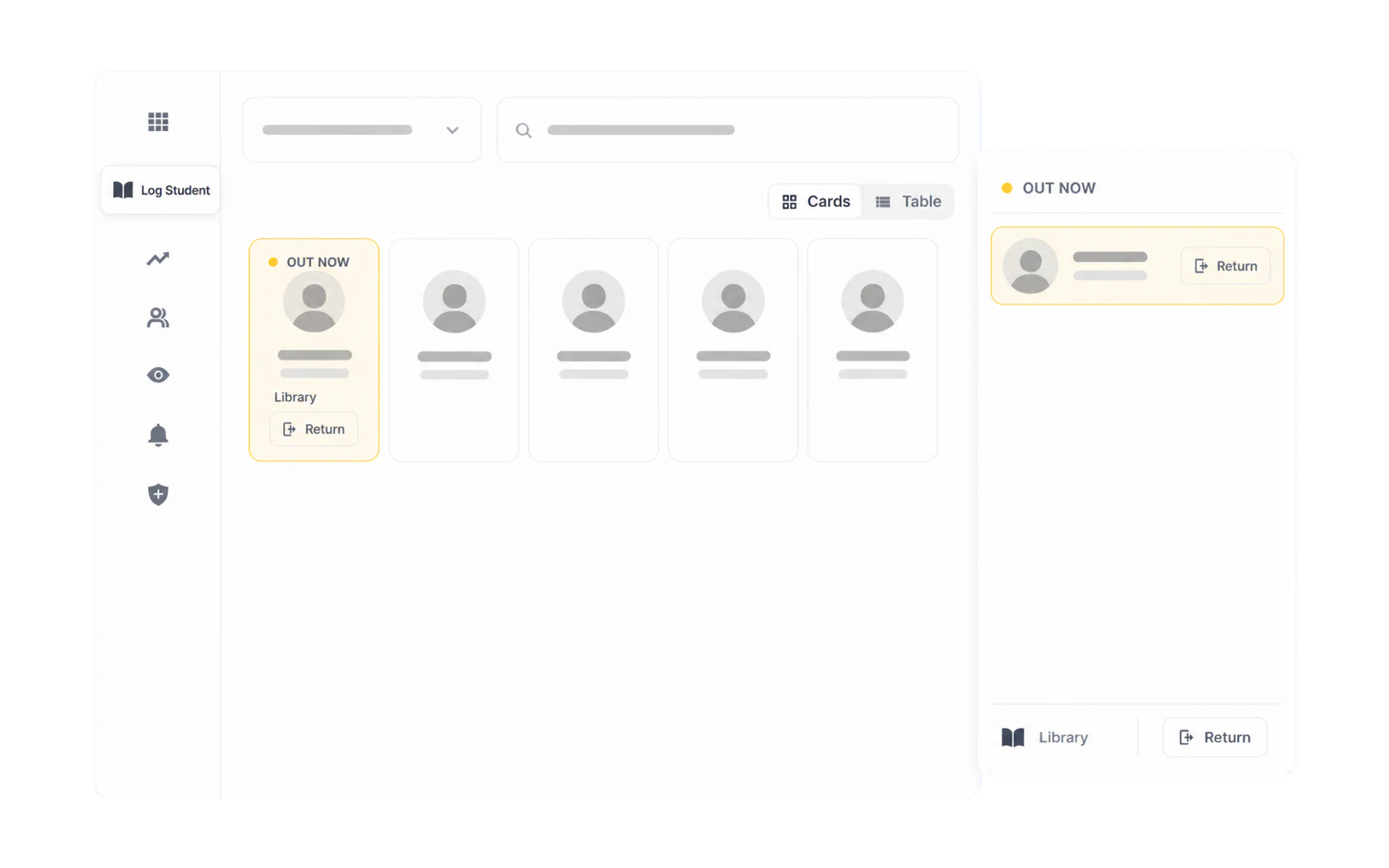
What is on every card
- Photo — synced from your SIS, or uploaded by an administrator. It is there so relief staff can match a name to a face.
- Name, and underneath it year level and house.
- Today’s activity — either “No passes today”, or a summary of what has already happened this school day.
The colours
- White — in class, nothing recorded today.
- Outlined in your school colour — you have selected them, ready for an action.
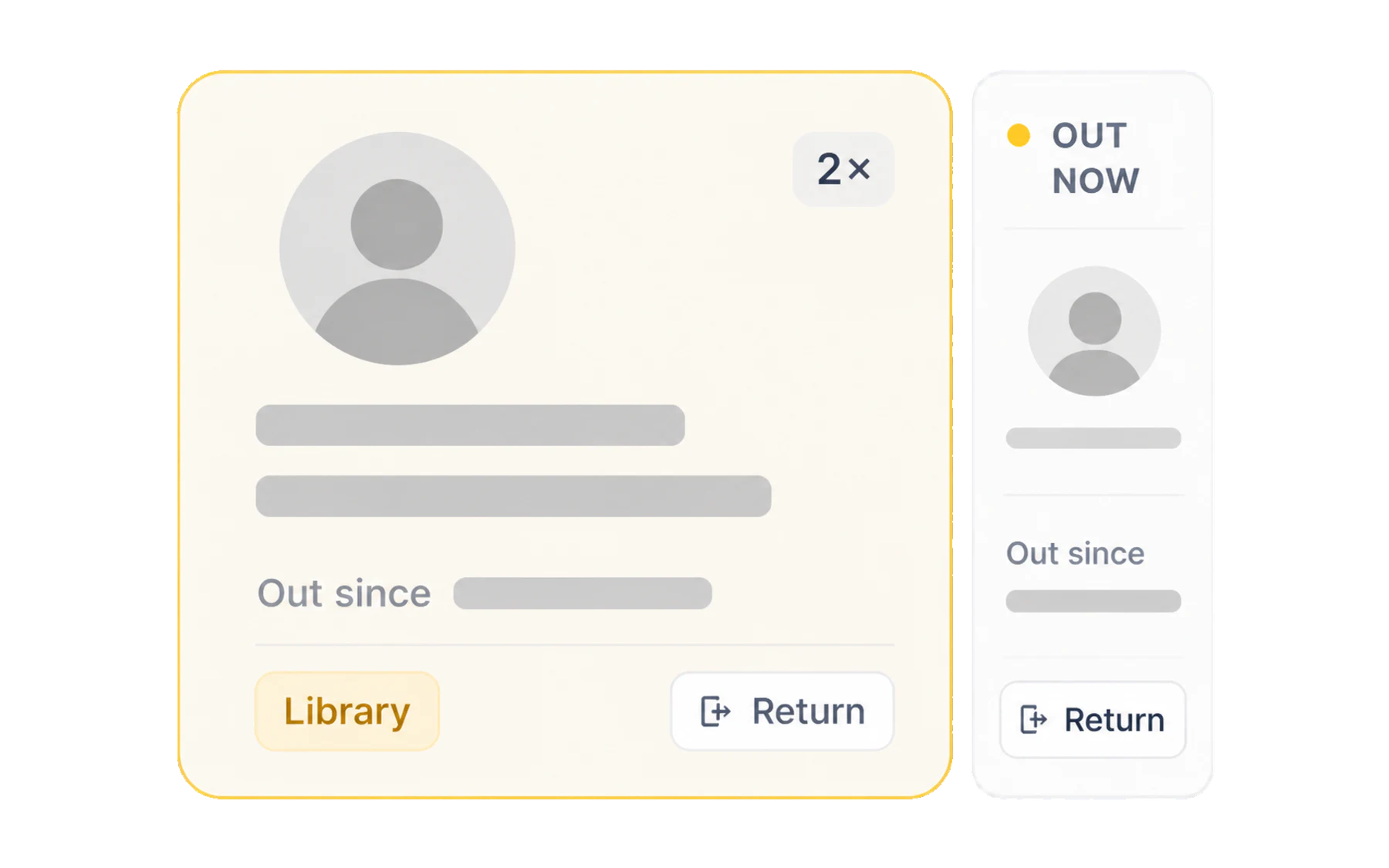
- Amber — currently out. The card grows to show the timer, the destination and a Return button.
The timer
Out since 11 mins ago counts from the moment the pass was issued and updates on its own. Once the pass passes your school’s time limit it is flagged as overdue — see Overdue passes and the time limit.
The repeat count
The small 1×, 2×, 3× beside the destination is how many passes that student has had today. It resets overnight.
This is the number worth noticing. A student on their third pass before lunch is not a discipline problem you have to solve at the door — it is information. Send them if they need to go, then look at the pattern later in their profile, where you can see whether it is today or every day.
The clock icon
The small clock in the corner of a card opens that student’s recent history without leaving the Switchboard — the quick “has this happened before?” check, answered in place. For the full picture, use History or, if you have the Insight Viewer role, the student profile.