All guides
Find any student, in any class
Use search to issue a pass to a student who is not in the class in front of you — on yard duty, at the office, anywhere.
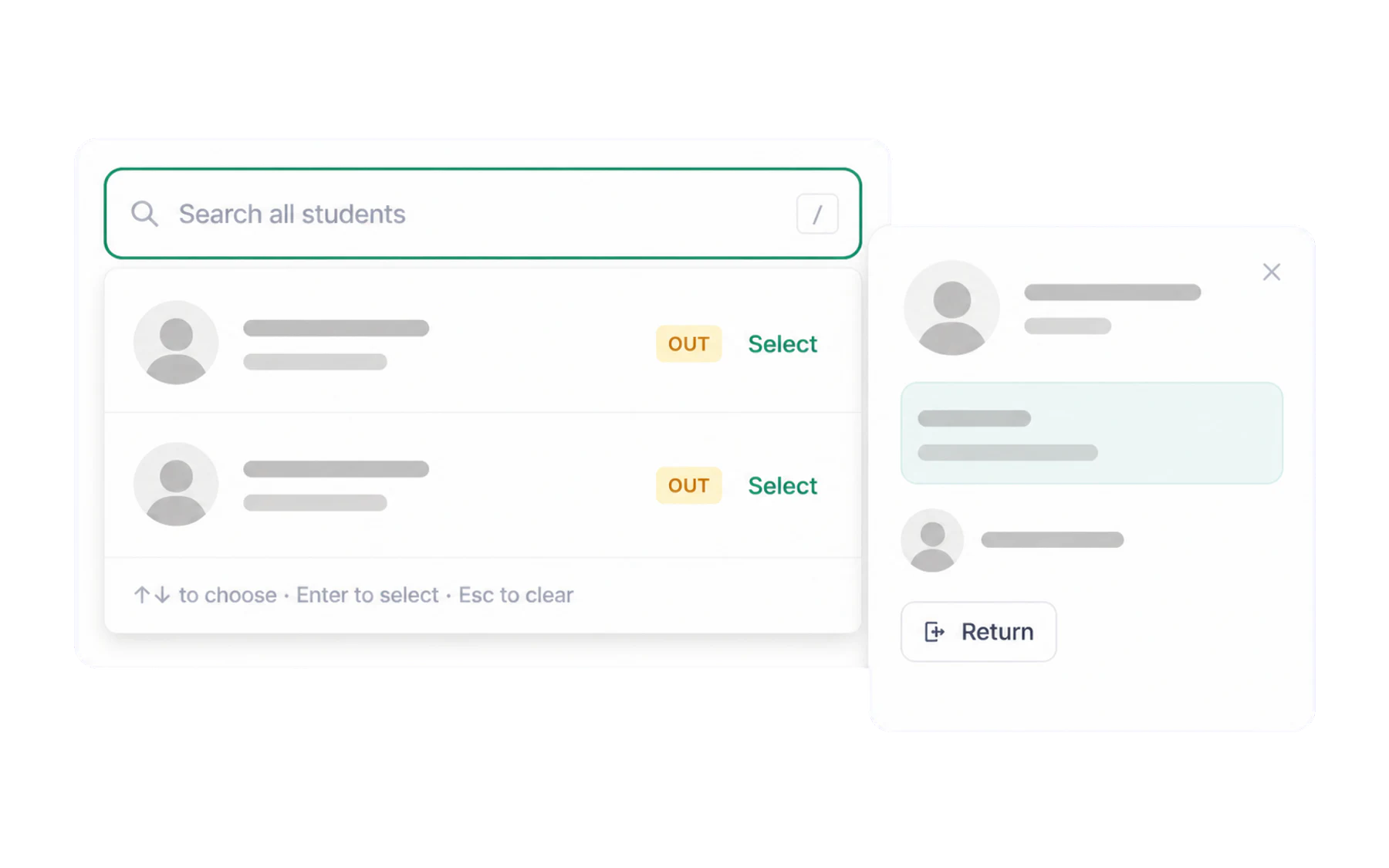
The search box at the top of the Switchboard reaches every student in the school, not just the class in front of you. It is the answer to yard duty, relief lessons, a student turning up at your door from somewhere else, and “I know the face, not the class”.
Using it
Click the box — or press / — and start typing a name. Pick the student from the results and they are selected, exactly as if you had tapped their card in a class. Then choose the action and details as usual.
If a student is already out
Search shows their current pass rather than offering a new one — a student can only hold one open pass at a time. That is deliberate: it keeps the shared register of open pass records clear rather than a guess. From the result you can end the existing pass, then issue a new one if they are genuinely moving on somewhere else.
Working across other teachers’ classes
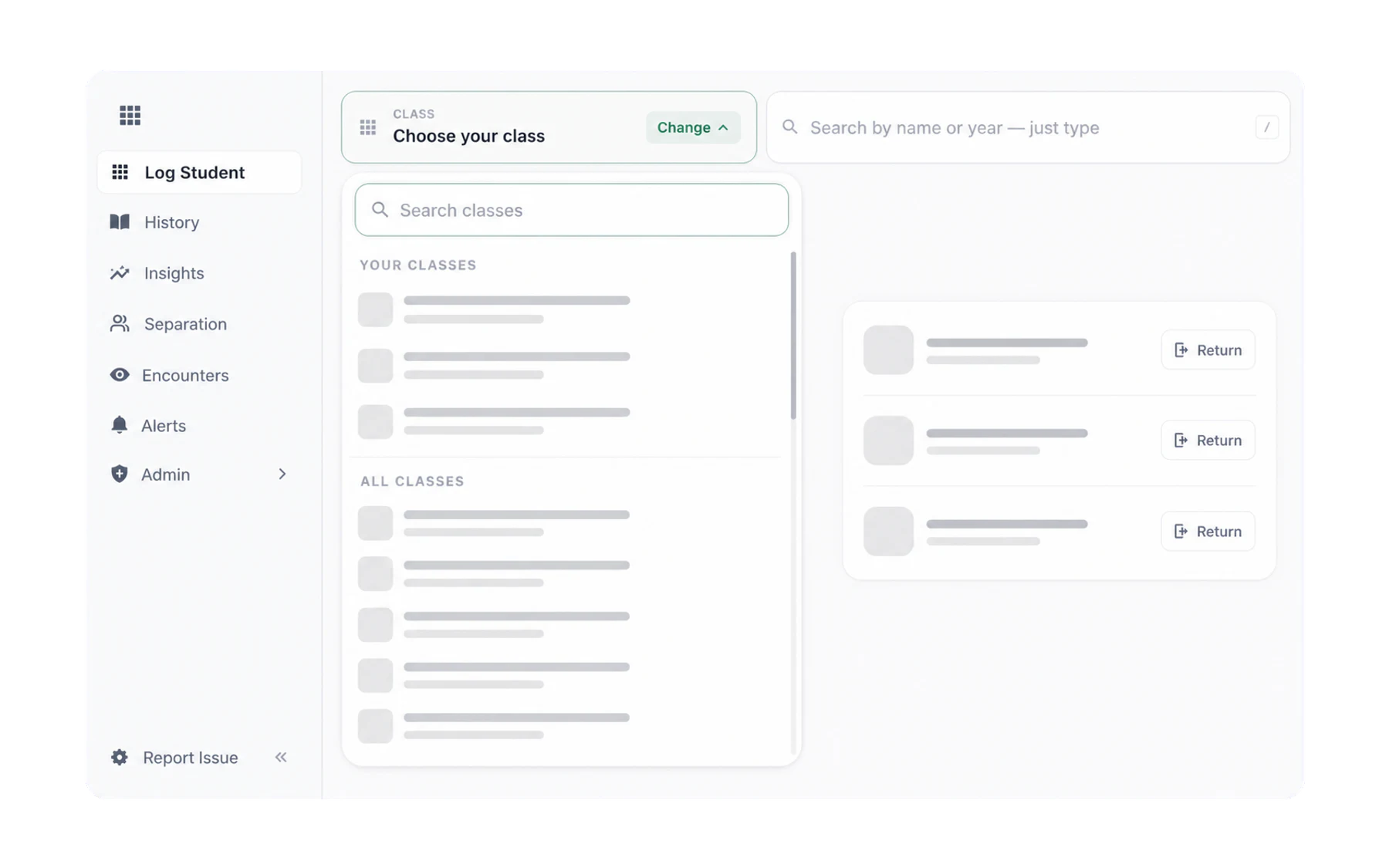
Change class lists every class in the school after your own classes. It is the better route when you are covering a lesson and want the whole class in front of you rather than searching for students one at a time.
Who can do this
Any teaching staff member. Issuing a pass for a student you do not teach is normal school life — the corridor does not respect a timetable — and the record notes that you were the one who issued it.